
Free AI Pixel Art Generator
Insert idea. Get pixel art.
Turn text or photos into pixel art and game art in 48 styles — 8-bit, 16-bit, isometric and more — then edit it, upscale it, or animate it.
Fresh from the community
Explore all →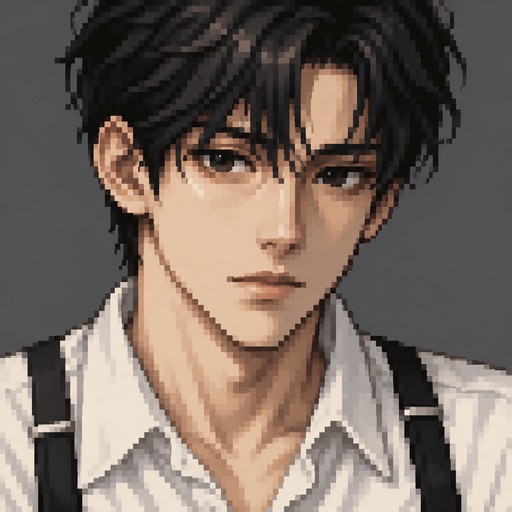
A young man with black hair and black eyes, white shirt and black suspenders. 32 by 32 pixels
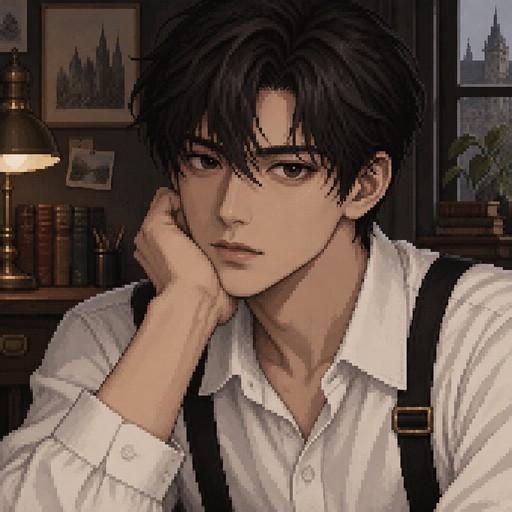
A young man with black hair and black eyes, white shirt and black suspenders
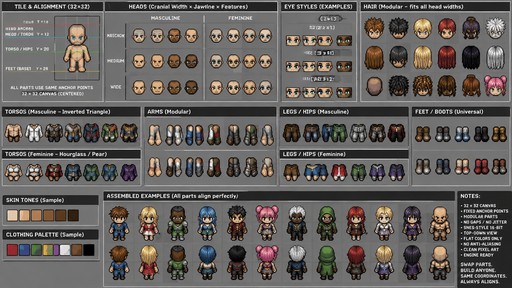
**Role:** Lead 16-bit Technical Artist and Systems Designer. **Objective:** Engineer a comprehensive, modular "Paper Doll" sprite kit for a top-down RPG. The primary technical requirement is **mathematical alignment**: every asset must adhere to a strict coordinate system so that components can be swapped programmatically via a game engine without causing gaps, overlaps, or "jitter" (misalignment). **Visual & Technical Constraints:** * **Aesthetic:** Authentic 16-bit SNES/Genesis style. Use intentional pixel placement (no "stray" pixels), high-contrast color palettes, and clean, deliberate outlines. * **Rendering:** Flat lighting only. Zero blur, no soft-glow gradients, and no anti-aliasing. * **Perspective:** True Bird's-Eye View (Top-Down). The viewer sees the crown of the head, the tops of the shoulders, and the top surface of the feet. * **Canvas/Masking:** All assets must be centered on a solid neutral grey background (`#808080`) to facilitate clean alpha-channel masking and transparency. **The Modular Matrix (Alignment Logic):** You must implement a "Lego-style" snapping system. Each component is bounded by a standardized invisible box. Regardless of the visual width of a part (e.g., a "Skinny" torso vs. a "Heavy" torso), the **anchor points**—the exact pixel coordinates where the head meets the neck and the torso meets the hips—must remain identical across all variations. **Component Requirements:** **1. Base Frameworks (Silhouettes):** * **Masculine:** Inverted triangle (broad shoulders $\rightarrow$ narrow waist). * **Feminine:** Hourglass/Pear (narrow shoulders $\rightarrow$ wider hips). **2. Head Modules (Interchangeable):** * **Cranial Width:** Narrow (sharp/angular), Medium (standard), Wide (rounded/full). * **Jawline:** Masculine (square/heavy) vs. Feminine (tapered/soft). * **Eyes:** Beady (2x1 px), Almond (3x1 px), Large/Expressive (3x2 px). * **Detailing:** Subtle pixel shifts to represent diverse ethnic features and expres
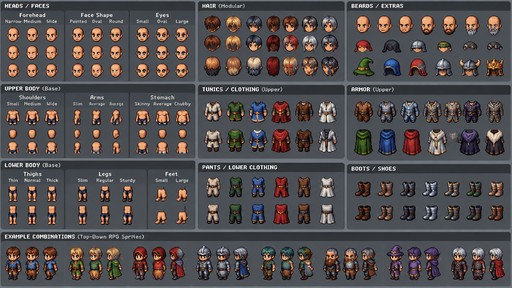
A comprehensive pixel art character spritesheet layout in a clean modular grid, designed for a top-down RPG game. The sheet features separated body parts and interchangeable components organized in neat rows and columns for easy swapping: multiple head variations (narrow, medium, and wide foreheads; pointed, oval, and round face shapes; small, oval, and large eyes), upper body options (small, medium, and wide shoulders; slim to average arms; skinny, average, and chubby stomachs), and lower body variations (thin, normal, and thick thighs; slim, regular, and sturdy legs; small and large feet), alongside matching modular armor, tunics, and boots. Retro 16-bit pixel art style, flat lighting, neutral background, crisp pixel edges.
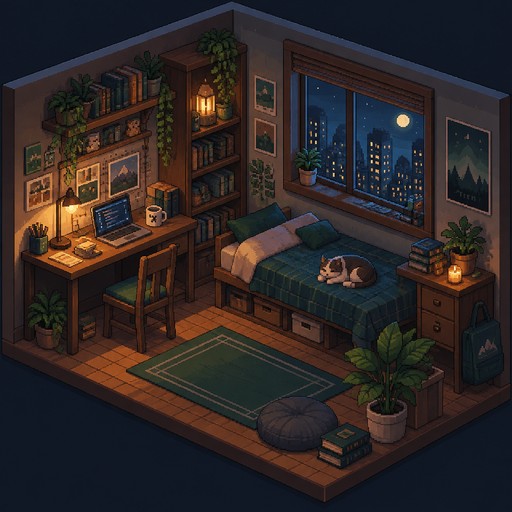
I want to do the same picture in a 2.5 D perspective
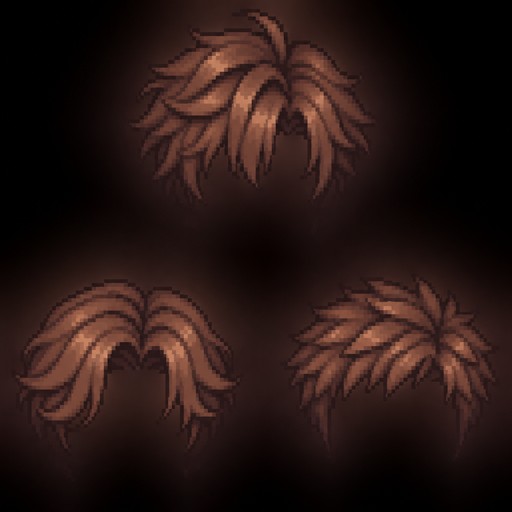
Create three separate male pixel art hairstyles designed to fit a 64×96 pixel character sprite. Each hairstyle should be a separate sprite with a transparent background and aligned to fit the base character model. Size: 64×96 pixels each. Front view only. Clean pixel art, limited color palette, no face or body, hair only.
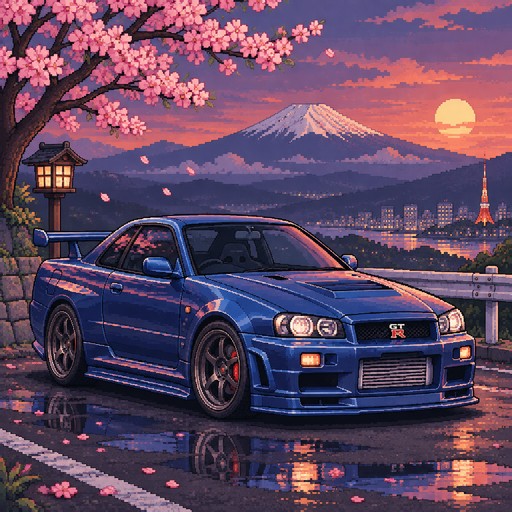
car pixel art

a football fan who supports a red and white team.
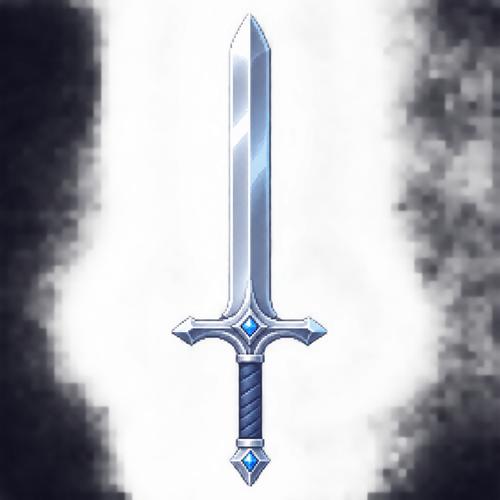
Image of a super cool silver broadsword pointing up, simple bit beautiful with a slight blue tint
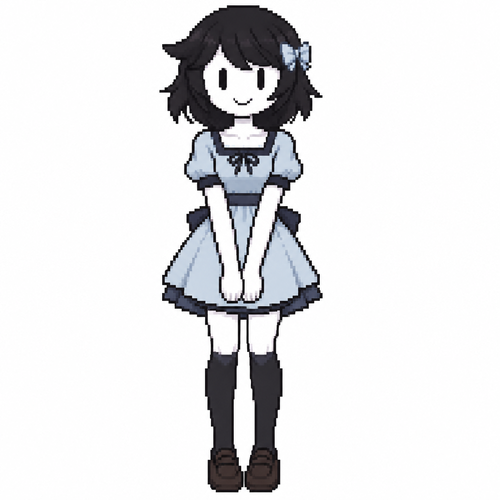
Jaiden animations but with the clothes and hair of the character ruka, full body front perspective
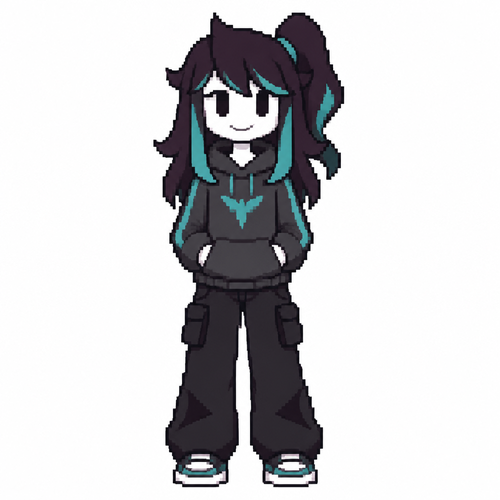
Jaiden animations but with the clothes and hair of the character Tula , full body front perspective
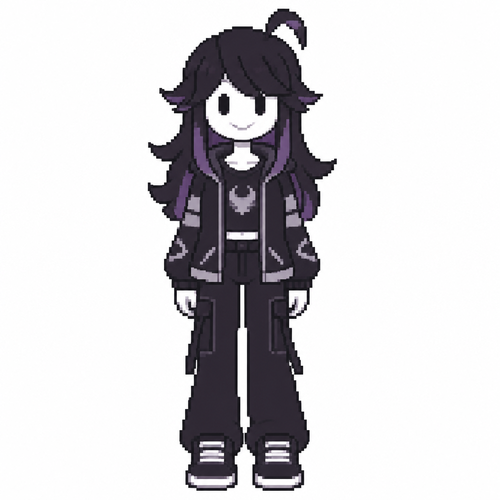
Jaiden animations but with the clothes and hair of the character erasa , full body front perspective
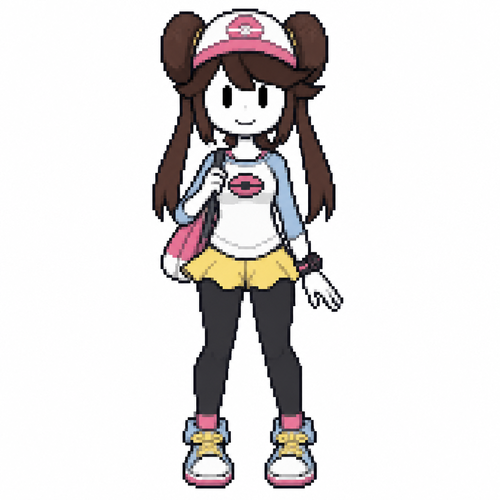
Jaiden animations but with the clothes and hair of the character mei pokegirl , full body front perspective
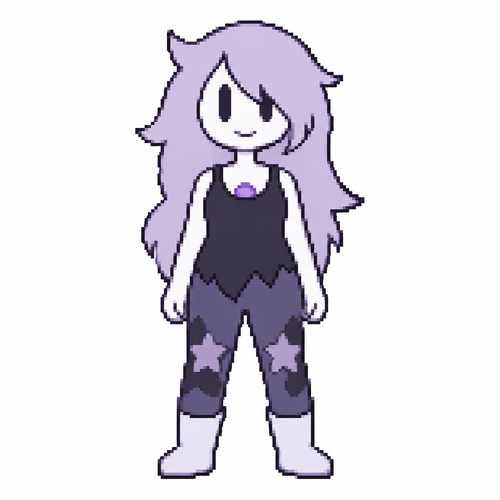
Jaiden animations but with the clothes and hair of the character amathis Steven universe season 4, full body front perspective
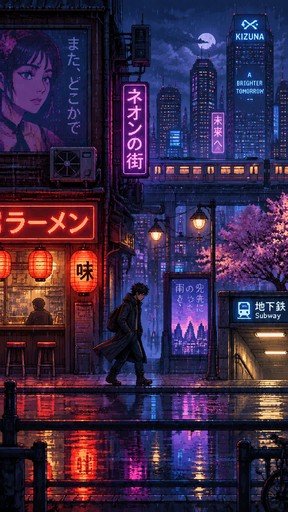
The character slowly walks forward through the pixel art city street. His jacket moves naturally as he walks. Neon signs flicker, rain falls gently, reflections shimmer on the wet pavement. Smooth side-scrolling camera movement, consistent 16-bit pixel art style, cinematic atmosphere.
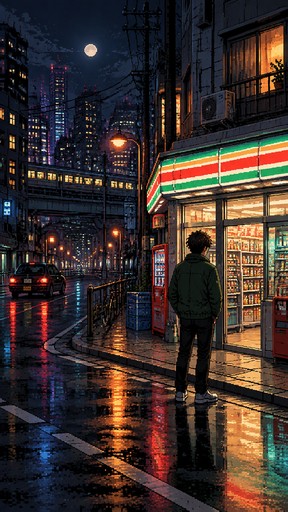
A cinematic 16-bit pixel art scene, a lone young man seen from behind, wearing a dark green jacket, black pants and sneakers, standing in front of a small convenience store on a quiet city street at night. Glowing neon shop signs, colorful storefront lights, dark urban buildings, wet asphalt reflecting the lights, atmospheric nighttime city environment, realistic retro video game graphics, detailed 16-bit pixel art, cinematic camera angle, moody lighting, no text.
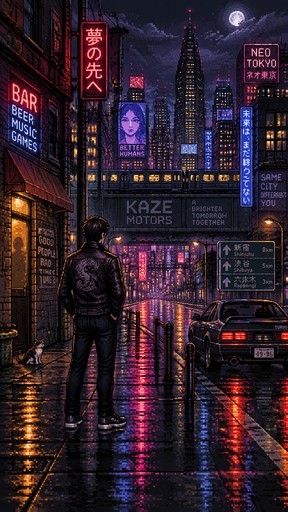
A highly detailed 16-bit pixel art scene of a mysterious man standing with his back to the viewer, wearing a black leather jacket, dark pants and sneakers, looking toward a neon-lit city street at night, cinematic atmosphere, rainy pavement reflecting colorful lights, retro 1990s video game graphics, side-scrolling RPG aesthetic, beautiful pixel details, dramatic lighting, full body visible.
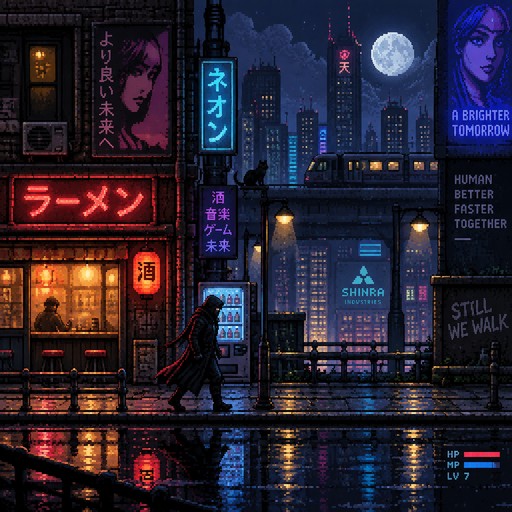
A cinematic 16-bit pixel art scene, a mysterious character walking through a dark city street at night, neon lights, detailed retro video game graphics, atmospheric lighting, side-scrolling video game aesthetic, highly detailed pixel art.
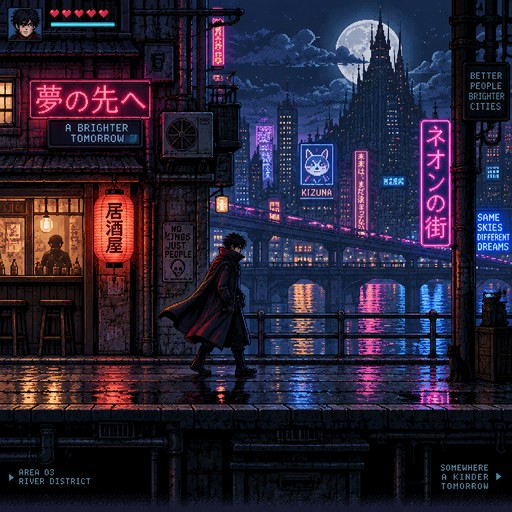
A cinematic 16-bit pixel art scene, a mysterious character walking through a dark city street at night, neon lights, detailed retro video game graphics, atmospheric lighting, side-scrolling video game aesthetic, highly detailed pixel art.
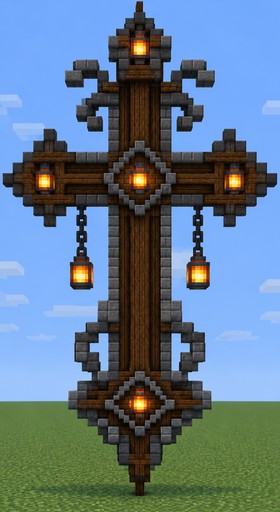
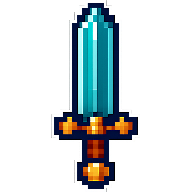
Pixel art of an ornate brown sword with glowing orange details against a blue sky.
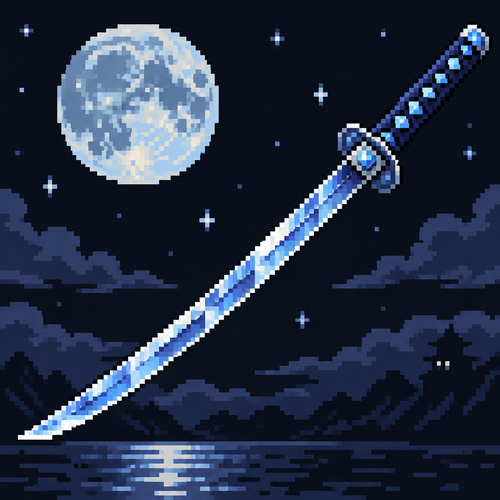
A blue silvery diamond moon knife/katana
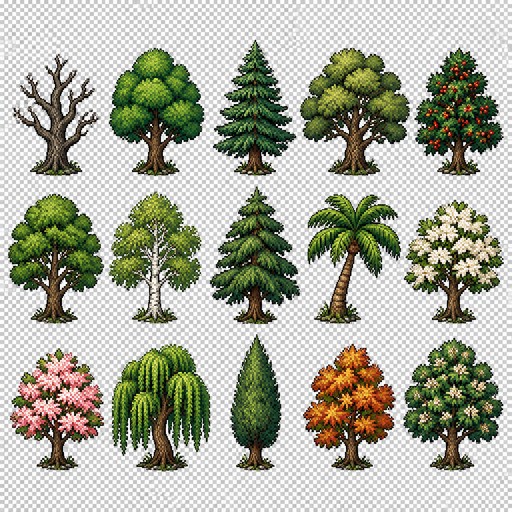
Create a 2D pixel art sprite sheet featuring 15 individual icons each exactly 32x48 pixels, arranged 5 horizontally and 3 vertically spaced evenly. Style: classic Realism RPG, inspired by 16bit games, with crisp pixel art, clean outlines, subtle shading, and a cohesive color palette. Use a transparent background. Each Icon should be centered within its 32x32 canvas and remain highly readable at small sizes. The 15 icons are: 1: Dead Tree 2: Regular Tree 3: Foxtail Pine Tre 4: White Oak Tree 5: Holly Tree 6: Elm Tree 7: Birch Tree 8: Cedar Tree 9: Palm Tree 10: White Dogwood Tree 11: Pink Dogwood Tree 12: Willow Tree 13: Cypress Tree 14: Sweetgum Tree 15: Black Cherry Tree Requirements: • Each icon must be exactly 32x32 pixels. • All based off of real life variants. • All facing sideways so you see the side of their bodies. • Output as a sprite sheet with each icon occupying its own 32x32 cell** DO NOT GO OUT PAST THESE PARAMETERs** • Transparent background. • No text, labels, borders, or UI elements. • Consistent Fantasy RPG Aesthetic across all icons. • High contrast and excellent readability for use in a game interface. • Clean polished pixel art with enough detail for low resolution sprites. • Avoid anti-aliasing, blurring, or painterly effects; preserve a true pixel art appearance.
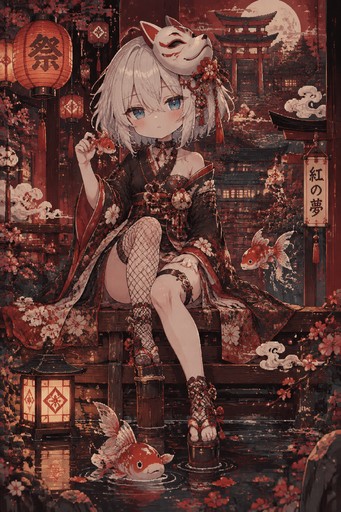
score_9, score_8_up, score_7_up, score_6_up, masterpiece, best quality, very aesthetic, ultra detailed, highly detailed, 4k, fine art, solo, full body,solo, 1girl, solo, mask, fish, white hair, blue eyes, mask on head,japanese clothes,fishnets, chinese cloud, short hair, looking at viewer, blush, bangs, red theme, expressionless, hair between eyesvolumetric lighting,depth of field, blending, <lora:p1ge0n666:0.4>,Flat vector illustration, rapscallionstyle,huffslove,S4bit4mago_illu <lora:checkpoint-e18_s306:1.5> (chibi:1.5), <lora:Chibi:1> <lora:pixpix_4_r1:1>
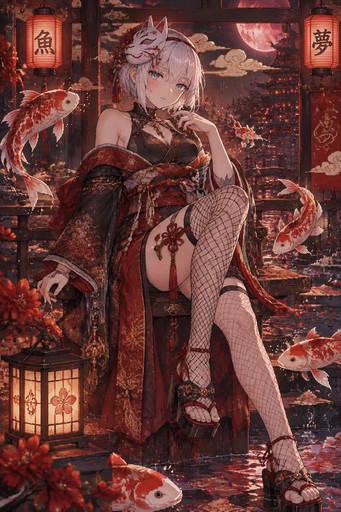
masterpiece, best quality, very aesthetic, ultra detailed, highly detailed, 4k, fine art, solo, full body,solo, 1girl, solo, mask, fish, white hair, blue eyes, mask on head,japanese clothes,fishnets, chinese cloud, short hair, looking at viewer, blush, bangs, red theme, expressionless, hair between eyesvolumetric lighting,depth of field, blending,
One studio, every way to create
Text to pixel art
Type a few words and watch them become pixel art in any of 48 styles.
Try it →
Photo to pixel art
Upload a photo and pixelate it — 16-bit, Handheld, HD pixel, and more.
Try it →
Pixel animation
Generate short pixel video clips from a prompt, or animate any artwork you've made.
Try it →
Edit & upscale
Refine any creation with plain-English edits and upscale it crisp for print.
Try it →48 pixel styles, endless looks
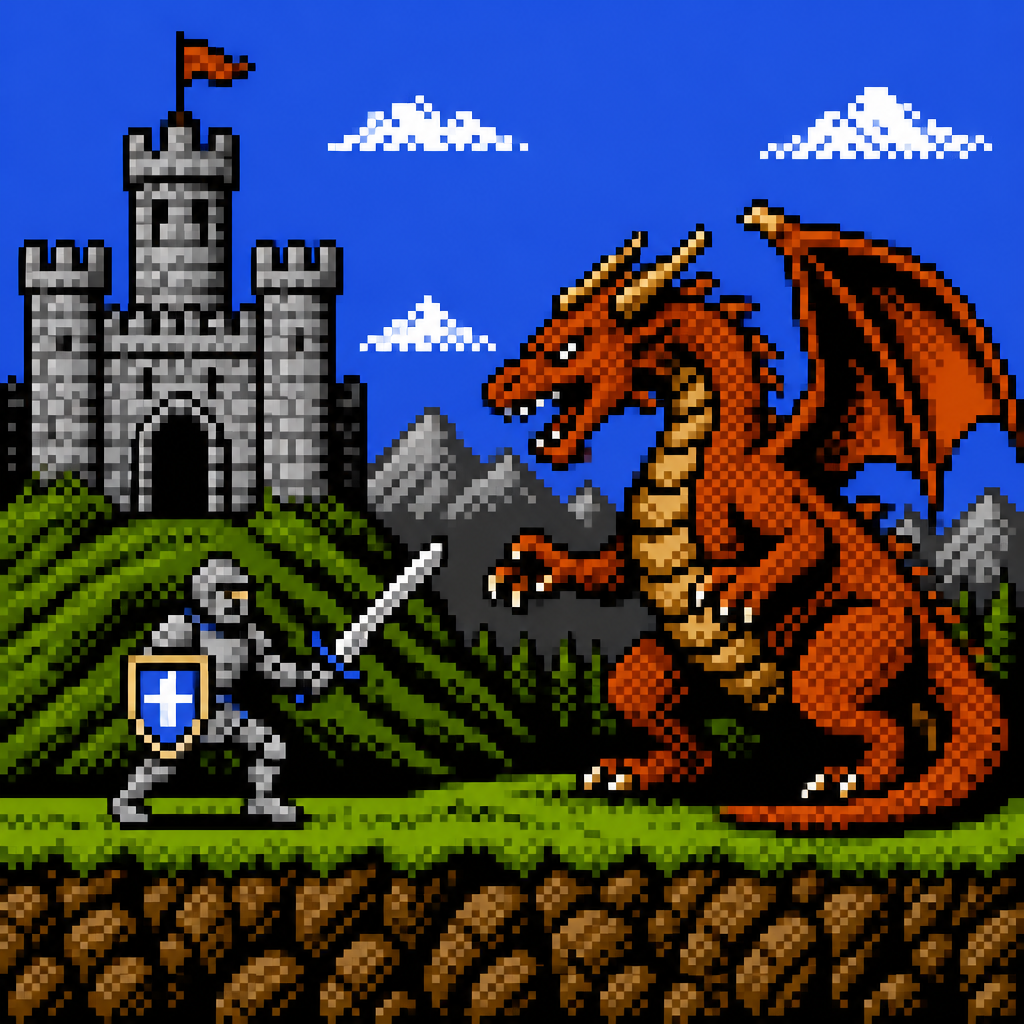
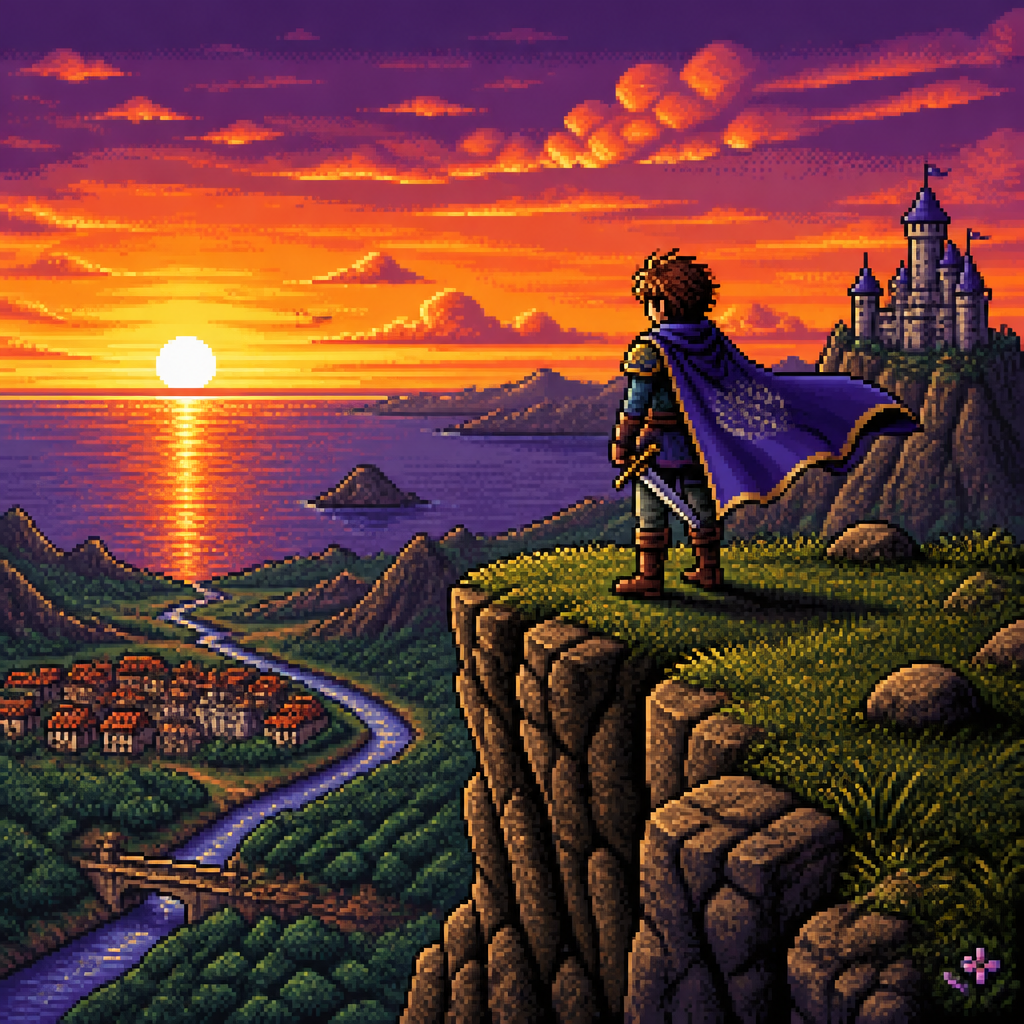
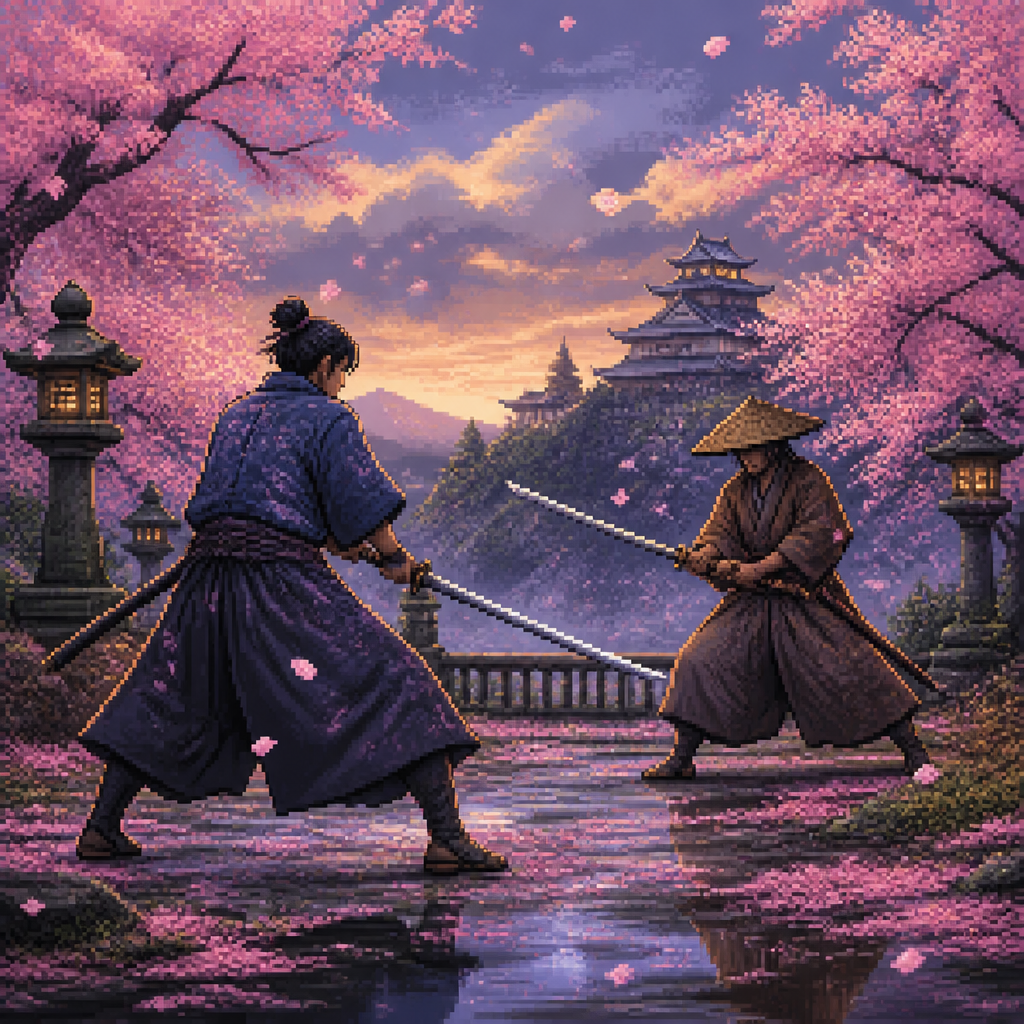
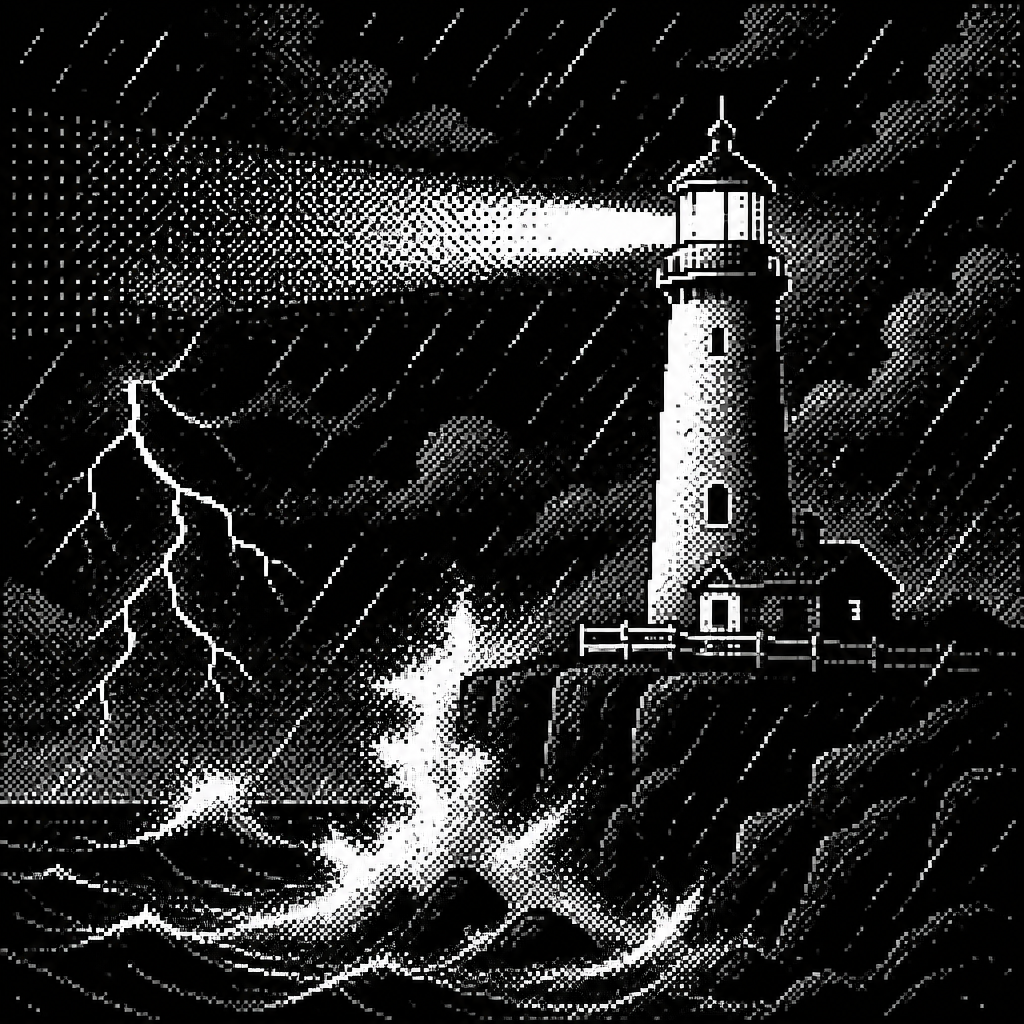
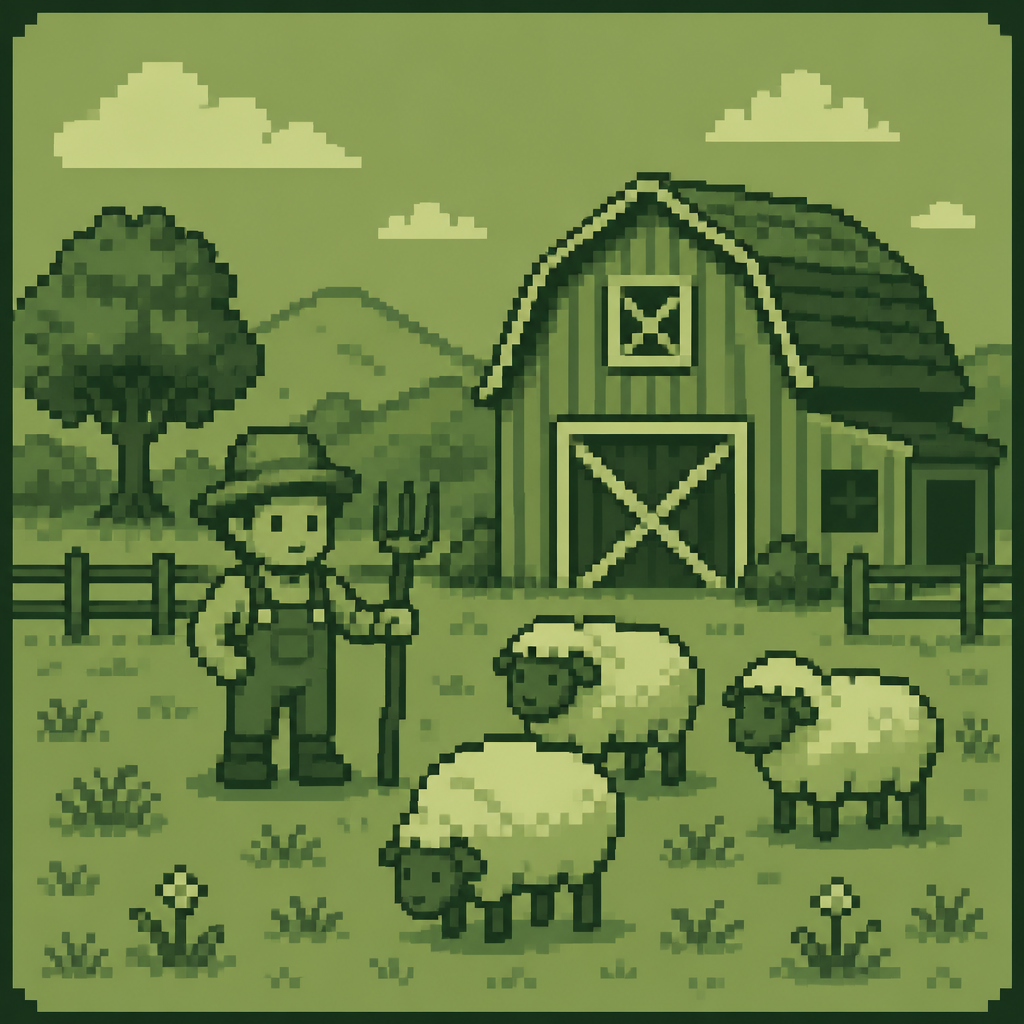
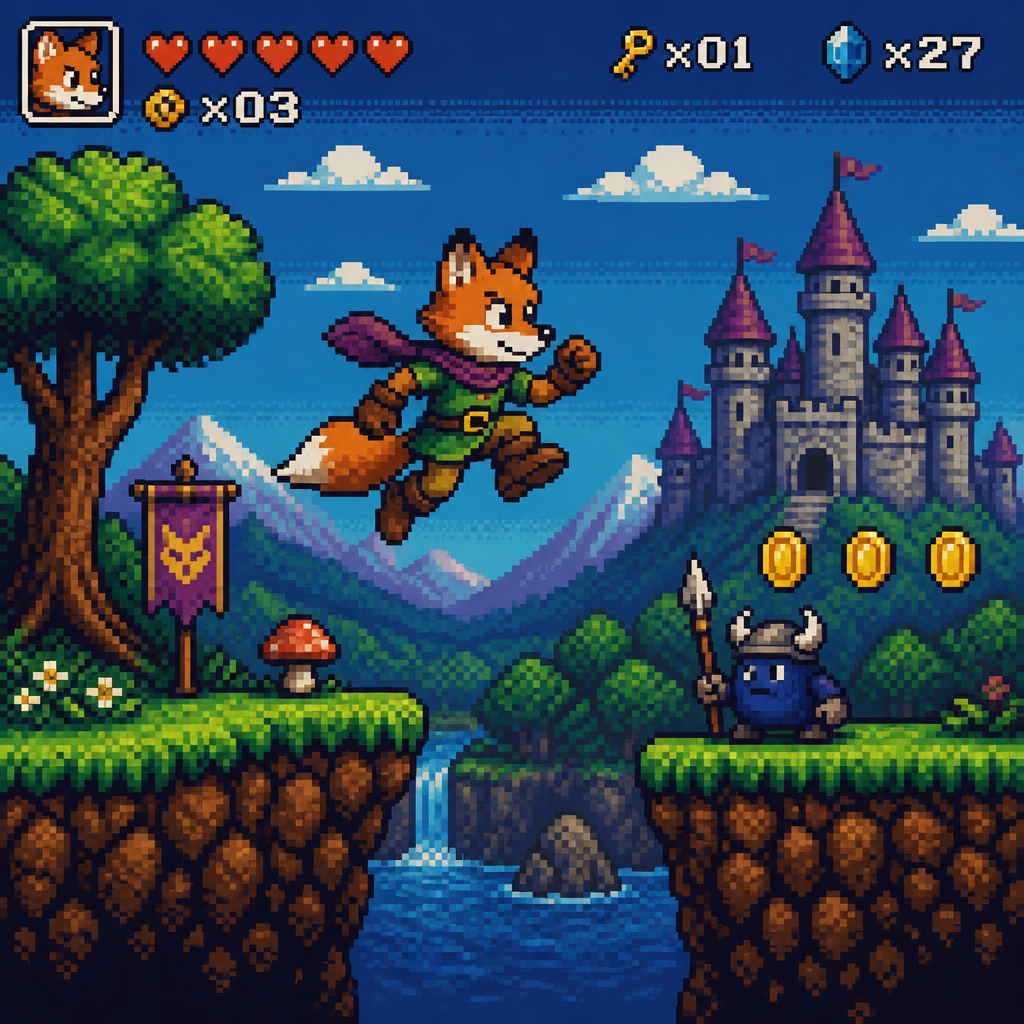
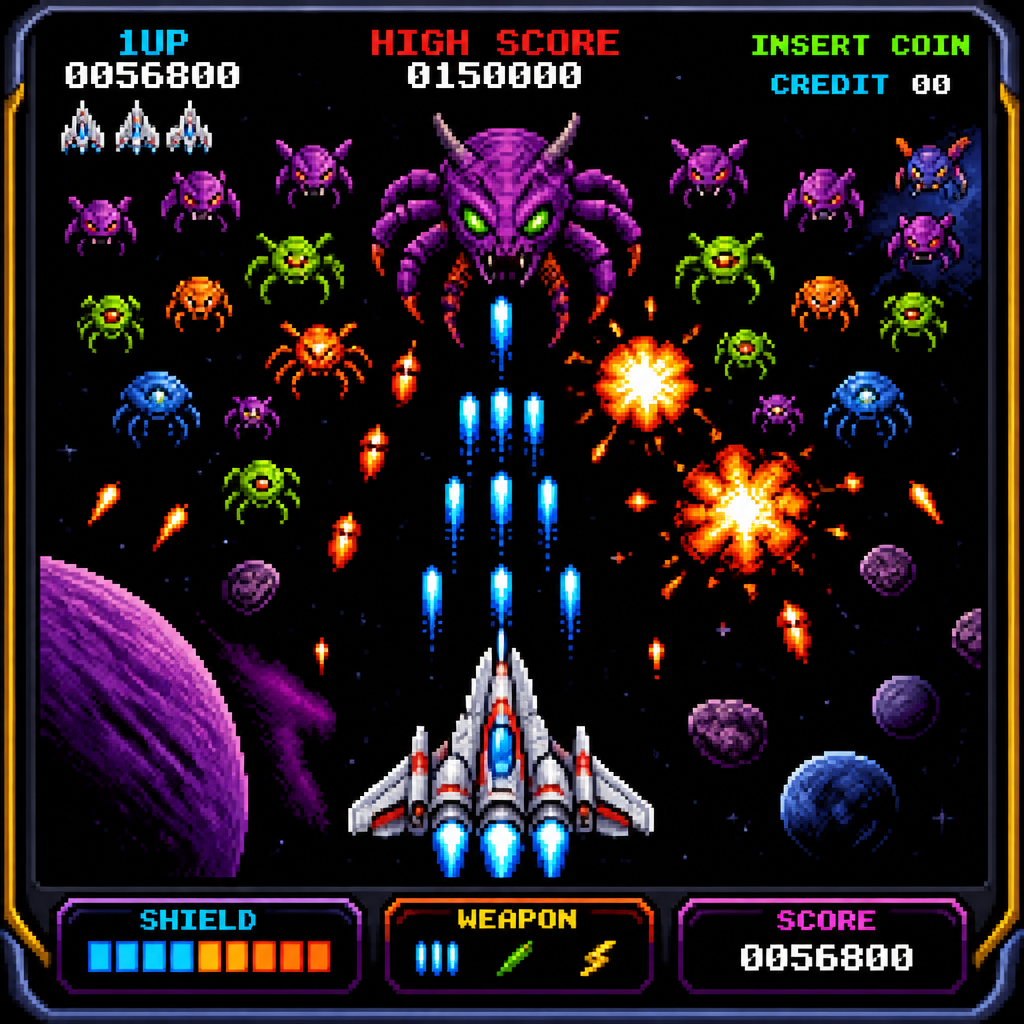
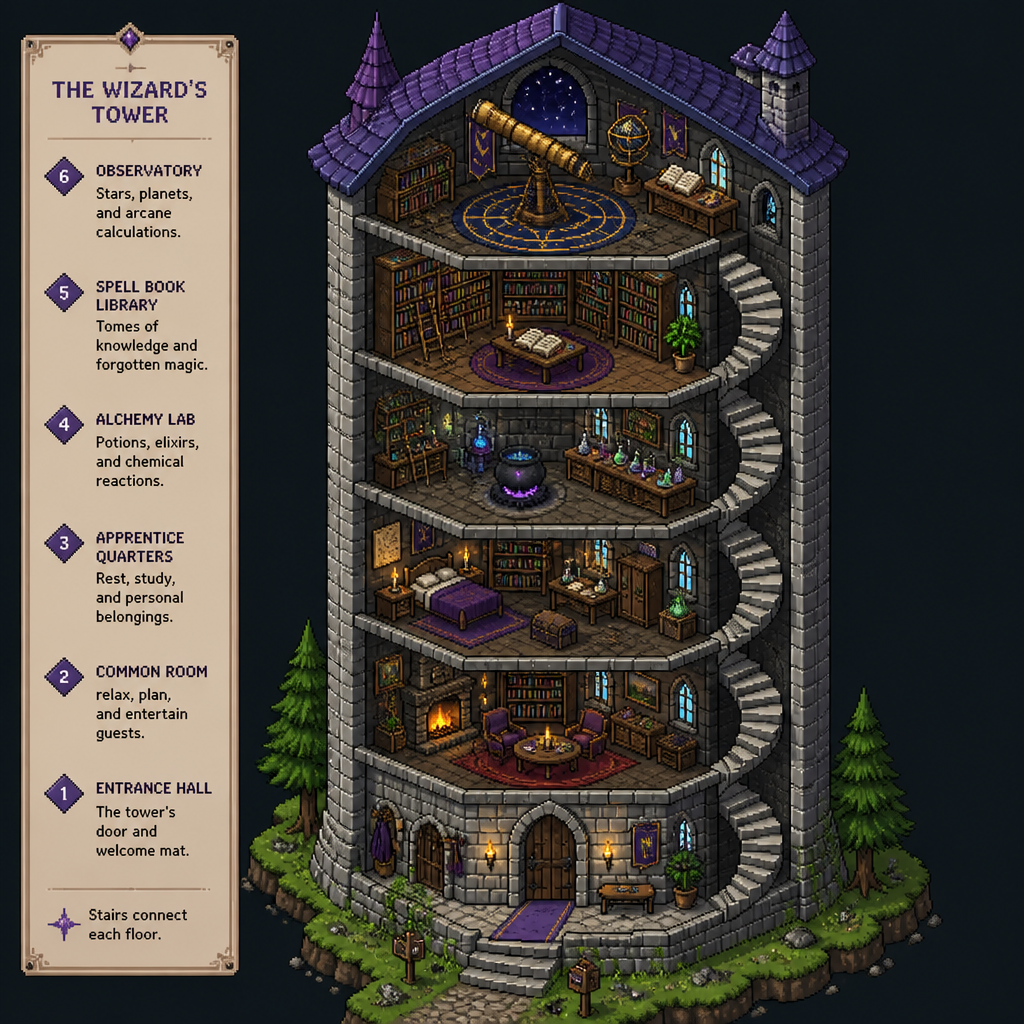
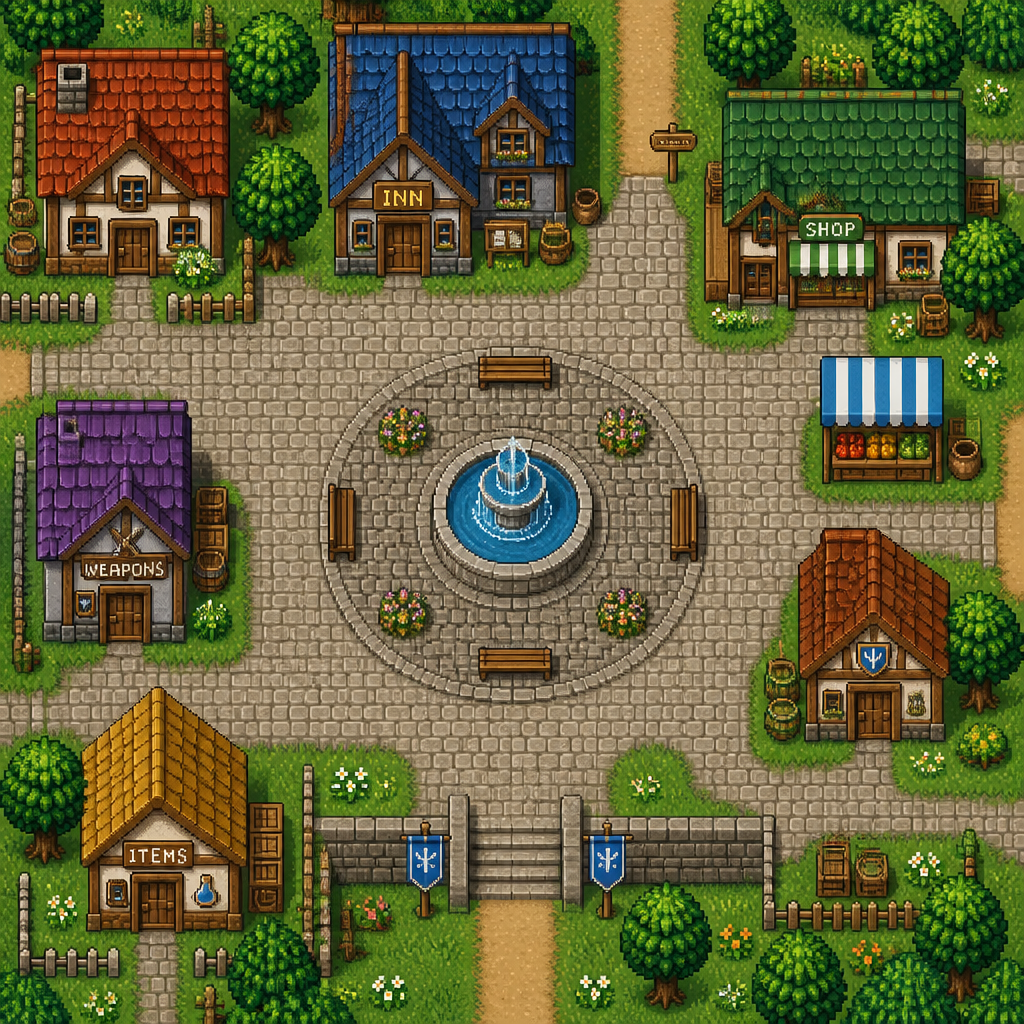
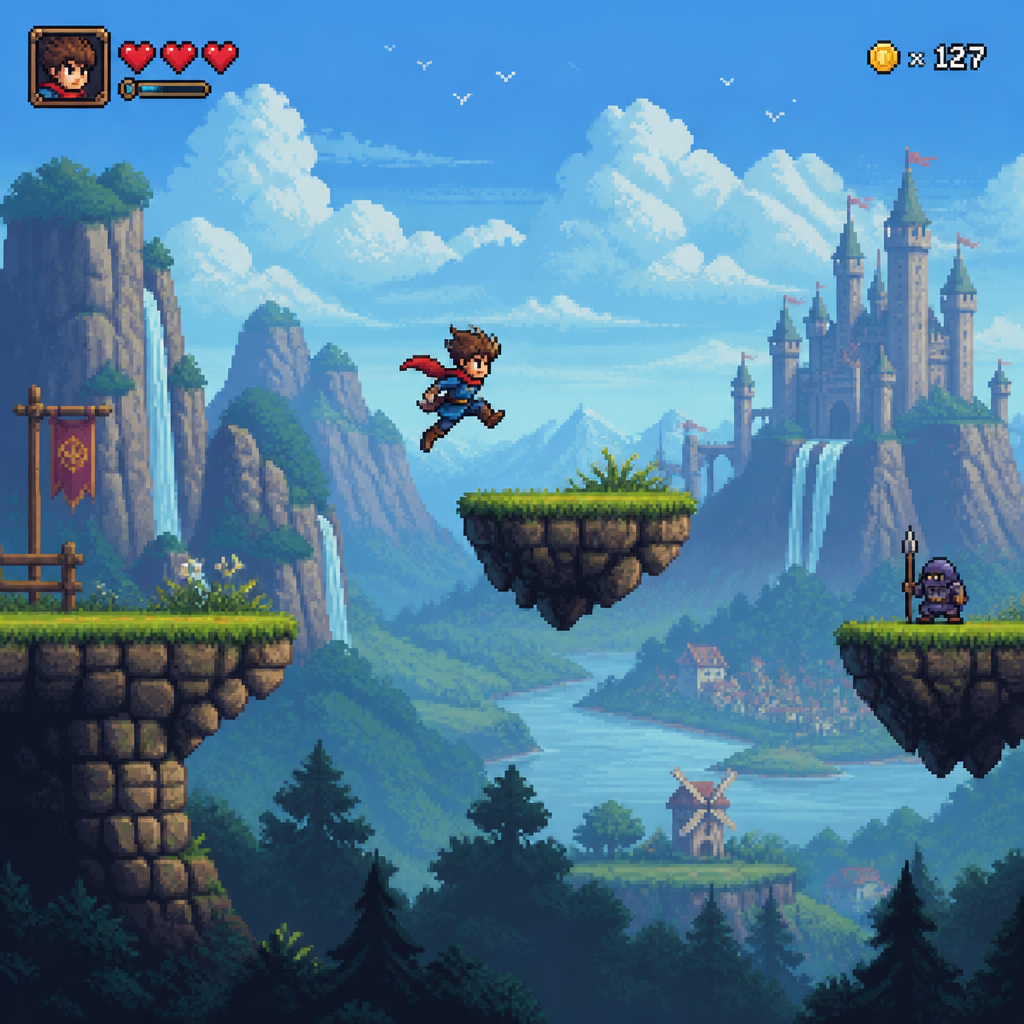
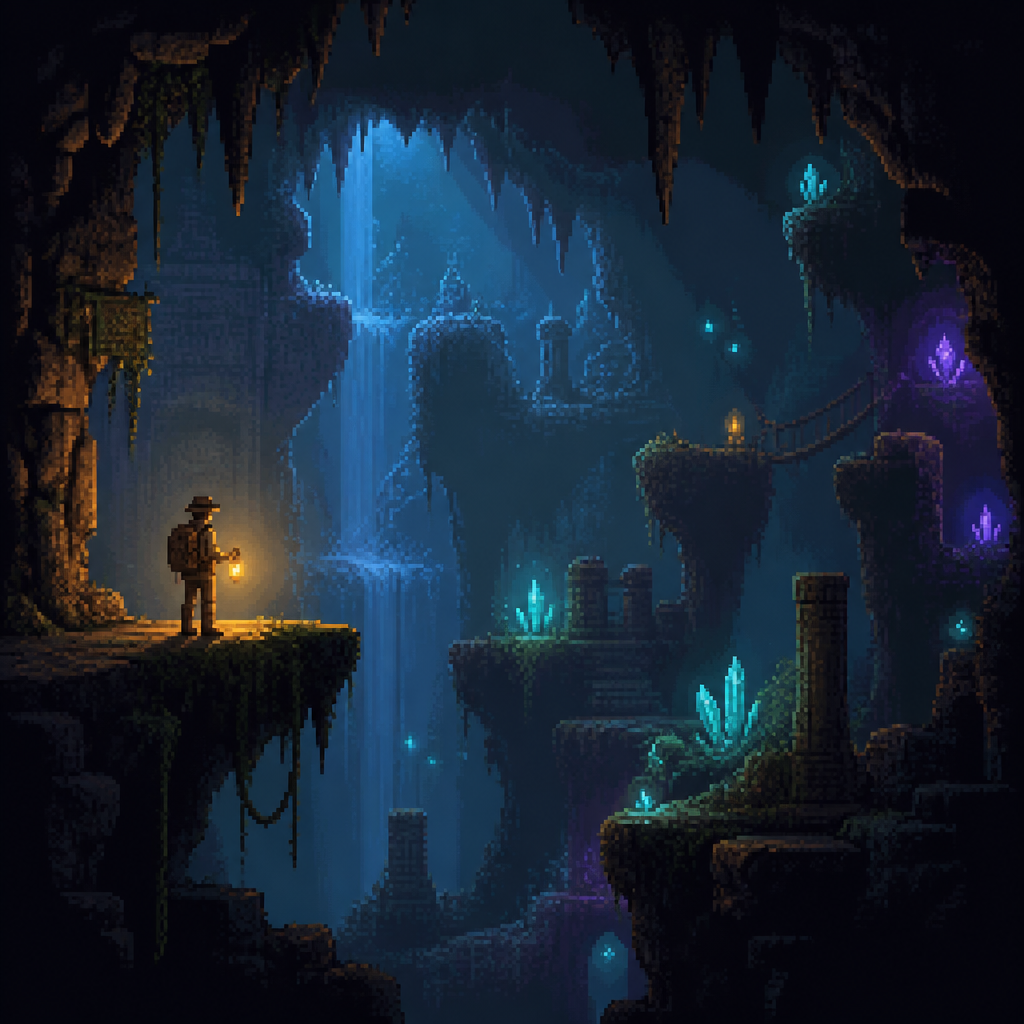
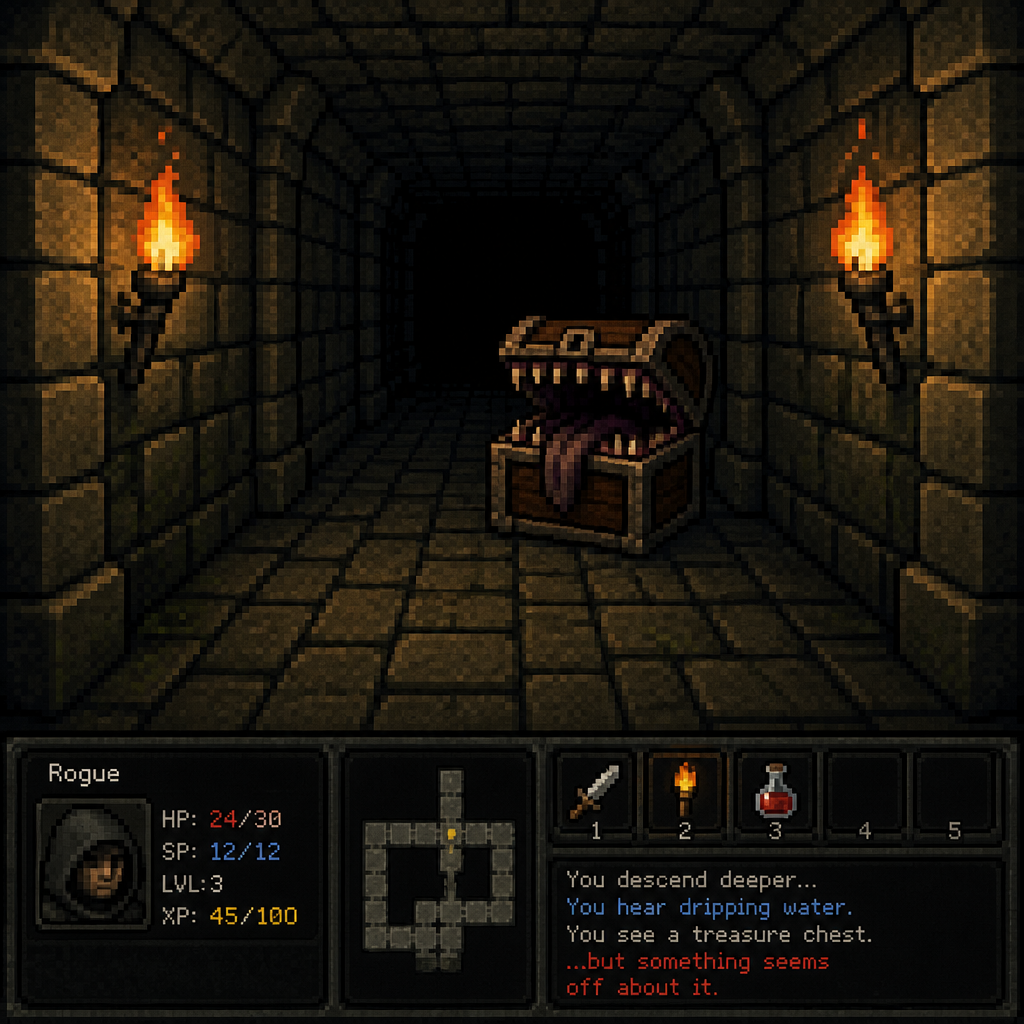
See all styles →8-bit, 16-bit, handheld, isometric, and 44 more. Every style works for text prompts, photos, and animation.
Frequently asked questions
How does the AI pixel art generator work?
Describe what you want in a few words, or upload a photo, and pick one of 48 pixel styles — 8-bit, 16-bit, handheld, isometric, and more. The AI renders your idea as pixel art in seconds. From there you can edit it with plain-English instructions, upscale it, or animate it into a short pixel video.
Is PXLART free?
Yes — sign in with Google and get 2 free credits. A standard pixel artwork costs 1 credit. To keep creating, plans start at $9/month for 250 credits, and one-time credit packs are available too.
Can I turn a photo into pixel art?
Absolutely. Upload any photo — a selfie, a pet, a landscape — choose a style like 16-bit or Handheld, and the AI converts it into pixel art while keeping the subject recognizable.
Can I make pixel art animations?
Yes. Generate a pixel video straight from a text prompt, or animate any artwork you've created into a short clip — 4 to 15 seconds, up to 1080p, with optional audio.
Who owns the pixel art I make?
You do — what you create is yours. See our Terms of Service for details. Copyright treatment of AI-made assets varies by country; we can't offer legal advice, so check with an expert on specific commercial questions.