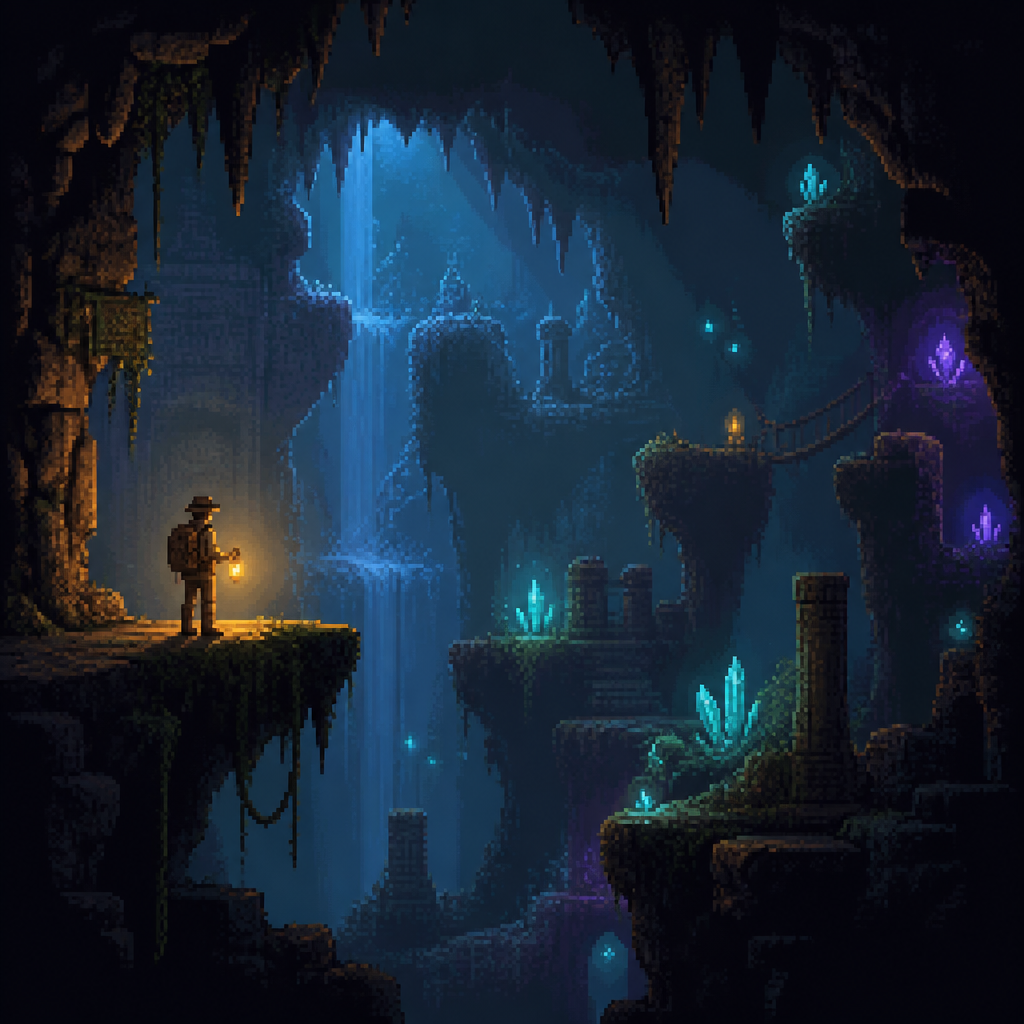
Exploration pixel art generator
Moody exploration atmosphere
Exploration pixel art trades brightness for atmosphere — moody caverns, glowing tech, and lonely exploration. Choose it for mysterious corridors, upgrades chambers, and haunting alien vistas.
Prompt ideas
Community exploration pixel art

Detailed pixel art icon set for space exploration, featuring planets, spacecraft, and sci-fi technology

Detailed pixel art icon set for space exploration, featuring planets, spacecraft, and sci-fi technology

Detailed pixel art icon set for space exploration, featuring planets, spacecraft, and sci-fi technology

Detailed pixel art icon set for space exploration, featuring planets, spacecraft, and sci-fi technology

Retro pixel art of an alien planet exploration, sci-fi adventure style

Retro pixel art of an alien planet exploration, sci-fi adventure style

Retro pixel art of an alien planet exploration, sci-fi adventure style

Retro pixel art of an alien planet exploration, sci-fi adventure style
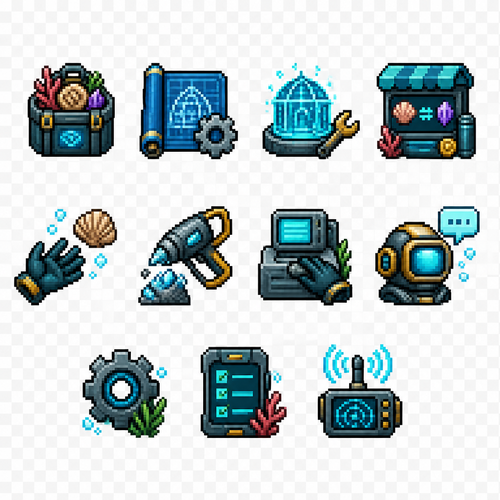
Create a set of 11 separate UI icons for a fully underwater pixel art survival game. Style: - 2D pixel art - 32x32 pixels each icon - front view / straight-on view - no UI frames, no borders, no buttons, no background - transparent background - clean readable silhouette - game interface icon style similar to classic pixel adventure games - limited color palette - high contrast - designed for small size readability World theme: - everything happens underwater - futuristic underwater exploration / ocean survival atmosphere - use underwater materials and motifs: coral, shells, sea technology, diving equipment, bioluminescent details, aquatic textures - avoid fantasy land objects - icons should feel like they belong to an underwater crafting survival game Create these separate icons: 1. Inventory icon: A small underwater storage container or diving equipment backpack filled with collected resources, shells, minerals, and items. 2. Blueprints / Recipes / Crafting icon: A rolled blueprint sheet combined with a small gear and crafting symbol, futuristic underwater engineering style. 3. Building mode icon: A construction hologram tool or underwater building module, showing a small structure outline with a wrench or placement symbol. 4. Shop icon: An underwater trading terminal or marine supply kiosk with glowing screen, shells and resource exchange symbol. 5. Hand / Pick up item icon: A simplified diving glove hand reaching toward a floating underwater resource. 6. Tool gathering icon: A mining or harvesting tool (underwater drill, cutter, or futuristic harvesting device) interacting with a mineral or coral resource. 7. Interaction icon: A hand/tool interacting with an underwater crafting station, machine console, or marine technology device. 8. Talk icon: A communication symbol for speaking with underwater characters: diving helmet with speech bubble or sonar communication symbol. 9. Settings icon: A mechanical gear combined with underwater technology elements, small and recognizable. 10. Quest list icon: A mission tablet, sonar map, or underwater data screen with checklist marks. 11. News icon: An underwater communication device, radio beacon, sonar signal, or information terminal. Requirements: - each icon isolated separately - no text inside icons - no numbers - no labels - no circular UI background - no square frame - no shadows outside the pixel object - consistent perspective and style across all icons - optimized for 32x32 pixel game HUD