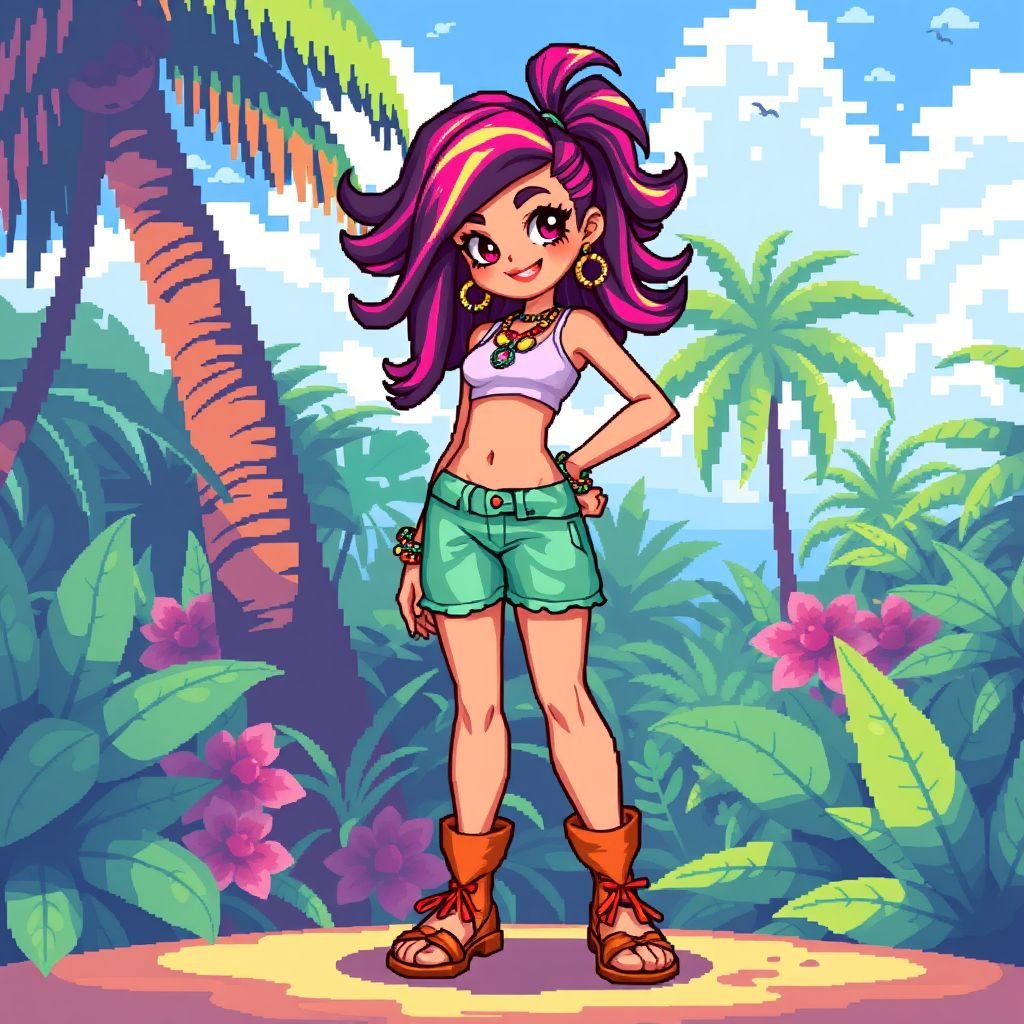
Bad bitch with pretty toes
More from the community
Bad bitch with pretty toes
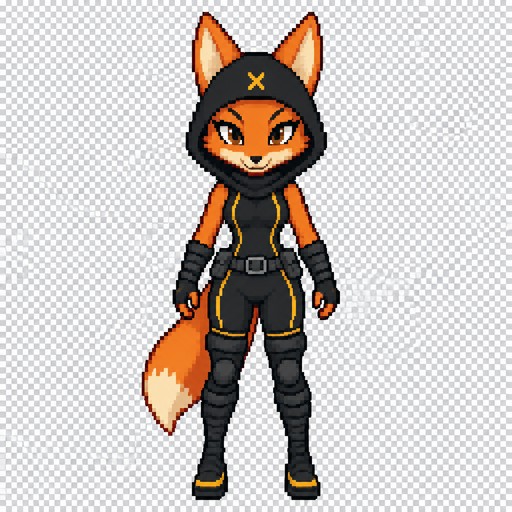
Create a single 2D pixel art character sprite for a top-down RPG game. Character: Diane Foxington (from The Bad Guys) as the Crimson Paw. Appearance: Anthropomorphic female fox with orange fur. She is wearing a black, tight-fitting ninja stealth suit. The suit has thin yellow stripes on the sides and a small yellow "X" stitched in the middle of the hood. She wears black arm-wrap bracers, a black utility belt with a thin buckle, and over-the-knee black bandage-wrap boots with yellow accents above the soles. Pose: Standing straight, facing directly forward (towards the viewer). Neutral, ready stance. Arms relaxed at her sides. Full body visible from head to toe. Technical Specifications: - Canvas size: 64x64 pixels. - Transparent background. - Clean pixel art style, limited color palette, sharp pixel clusters. - No anti-aliasing, no blurring, no painterly effects. - Clear, readable silhouette. - No text, no labels, no borders, no background elements, no shadows.
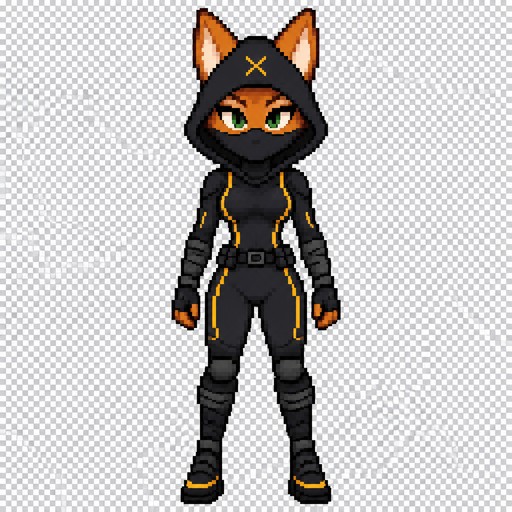
Create a single 2D pixel art character sprite for a top-down RPG game. Character: Diane Foxington (from The Bad Guys) as the Crimson Paw. Appearance: Anthropomorphic female fox with orange fur. She is wearing a black, tight-fitting hooded ninja stealth suit. The suit has thin yellow stripes on the sides and a small yellow "X" stitched in the middle of the hood. She wears black arm-wrap bracers, a black utility belt with a thin buckle, and over-the-knee black bandage-wrap boots with yellow accents above the soles. Her tail is completely hidden by the suit. Her face is partially covered by a black balaclava, but her green eyes are visible. Pose: Standing straight, facing directly forward (towards the viewer). Neutral, ready stance. Arms relaxed at her sides. Full body visible from head to toe. Technical Specifications: - Canvas size: 64x64 pixels. - Transparent background. - Clean pixel art style, limited color palette, sharp pixel clusters. - No anti-aliasing, no blurring, no painterly effects. - Clear, readable silhouette. - No text, no labels, no borders, no background elements, no shadows.

girl with blue eyes, shoulderlength straight cut short dreadlocs bob style in dark brown, light skin, blue eyes, and thick lips wearing a black witchy top and silver hoop earrings, reading a book in a dreamy purpe with blue accents tone bedroom with spell jars, books and candles in the background and a night sky window

Santa holding a heart shaped cookie. Plain background
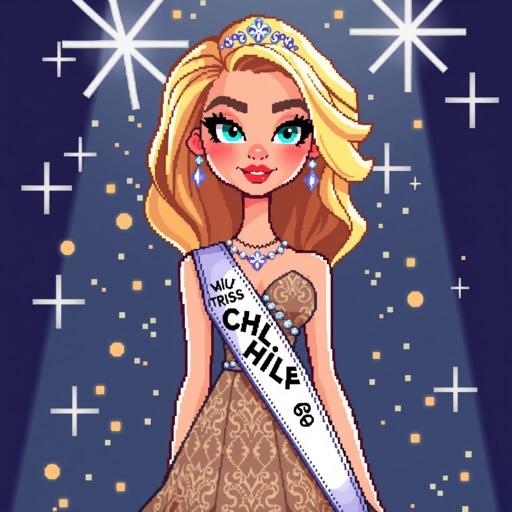
A blonde super model girl with a beautiful dress gown and a miss universe band that only says CHILE

fantasy pixel art
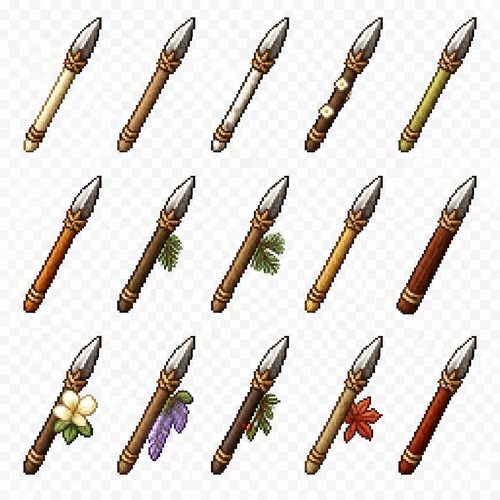
Create a 2D pixel art sprite sheet featuring 15 individual icons each exactly 32x32 pixels, arranged 5 horizontally and 3 vertically spaced evenly. Style: classic Realism RPG, inspired by 16bit games, with crisp pixel art, clean outlines, subtle shading, and a cohesive color palette. Use a transparent background. Each Icon should be centered within its 45x45 canvas and remain highly readable at small sizes. The 15 icons are: 1: White Oak Throwing Spear 2: Elm Throwing Spear 3: Birch Throwing Spear 4: Dogwood Throwing Spear 5: Willow Throwing Spear 6: Maple Throwing Spear 7: Hemlock Throwing Spear 8: Spruce Throwing Spear 9: Acacia Throwing Spear 10: Sequoia Throwing Spear 11: Magnolia Throwing Spear 12: Jacaranda Throwing Spear 13: Yew Throwing Spear 14: Boxelder Throwing Spear 15: Redwood Throwing Spear Requirements: • Each icon must be exactly 32x32 pixels. • All based off of real life variants. • All facing sideways so you see the side of their bodies. • Output as a sprite sheet with each icon occupying its own 32x32 cell** DO NOT GO OUT PAST THESE PARAMETERs** • Transparent background. • No text, labels, borders, or UI elements. • Consistent Fantasy RPG Aesthetic across all icons. • High contrast and excellent readability for use in a game interface. • Clean polished pixel art with enough detail for low resolution sprites. • Avoid anti-aliasing, blurring, or painterly effects; preserve a true pixel art appearance.
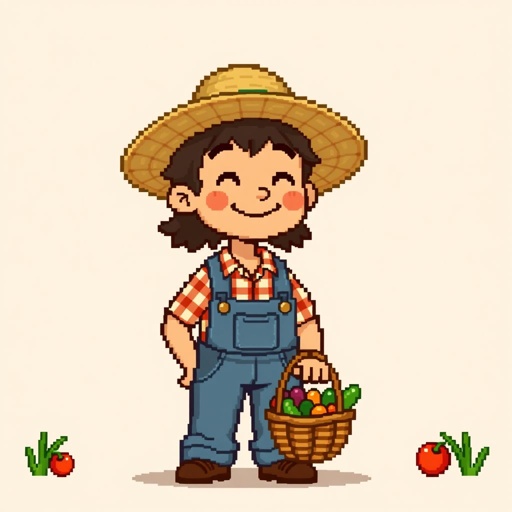
Make a character for a pixel 2d game. An Npc from a small town

Rabbit jumping in the moon sky
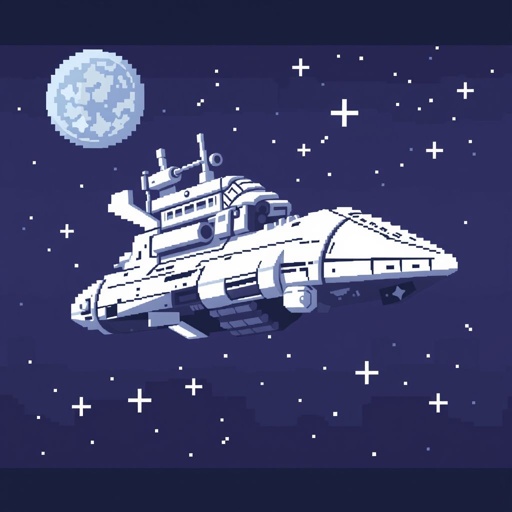
A massive spacehip in white, on a pixelated, retro, 16-bit, blocky, vintage. Use a muted and mysterious palette.
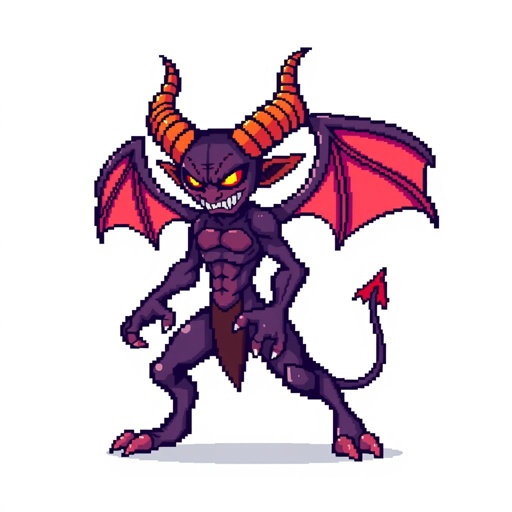
Pixel Art, Sprite 2D, Demon, Full Body, White Background