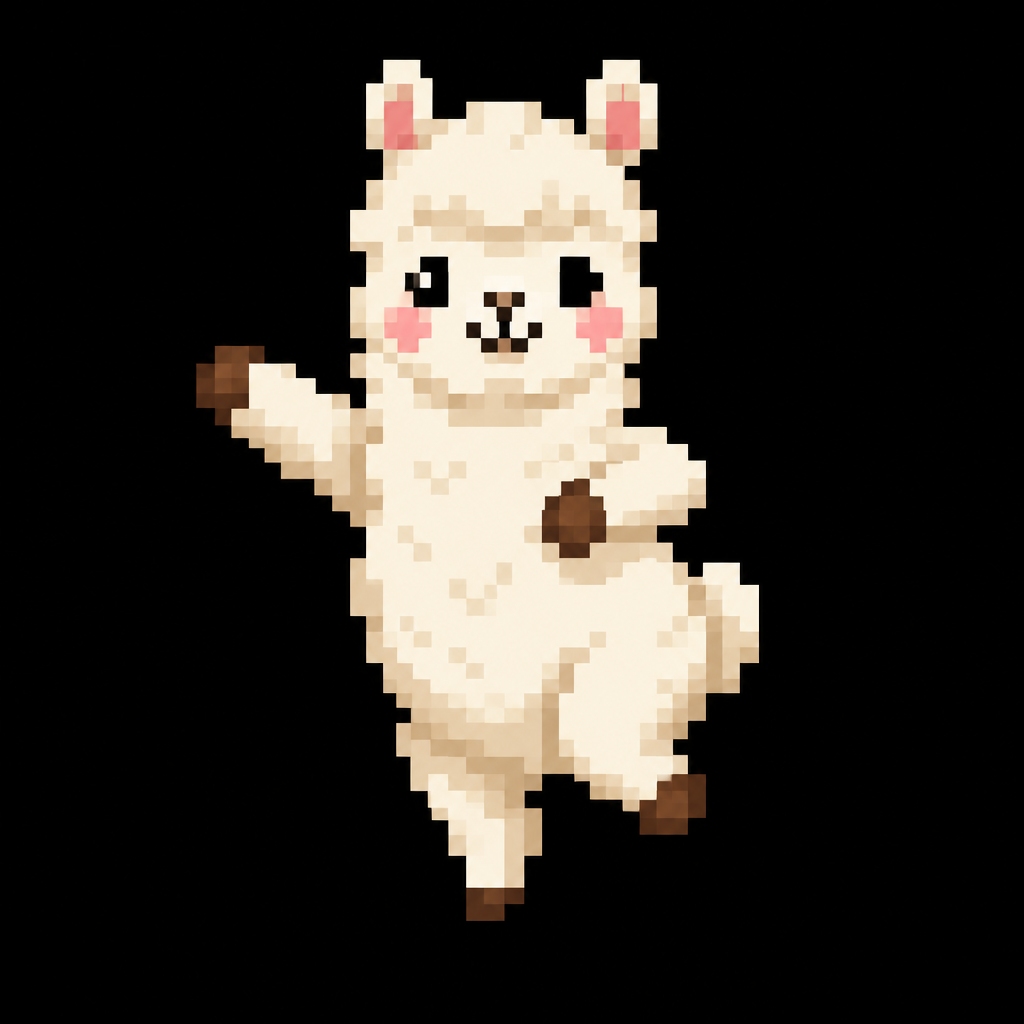
A 48x32 pixel dancing alpaca

A 48x32 pixel dancing alpaca

More from the community
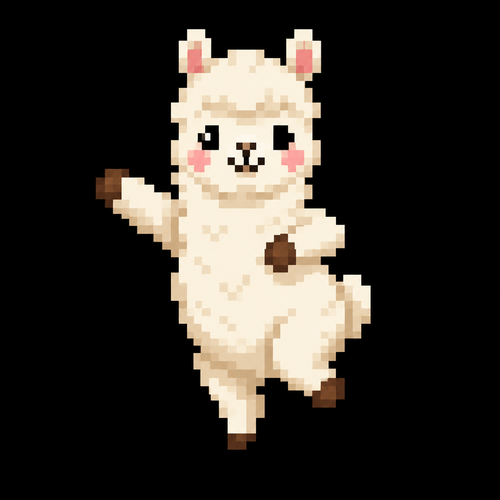
A 48x32 pixel dancing alpaca
A 48x32 pixel dancing alpaca

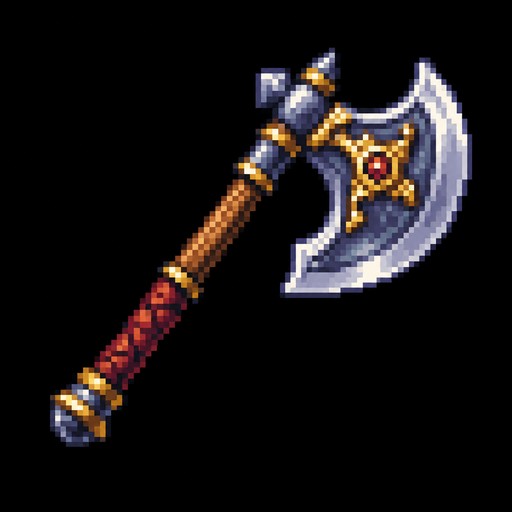
axe sprite 32*32

axe sprite 32*32

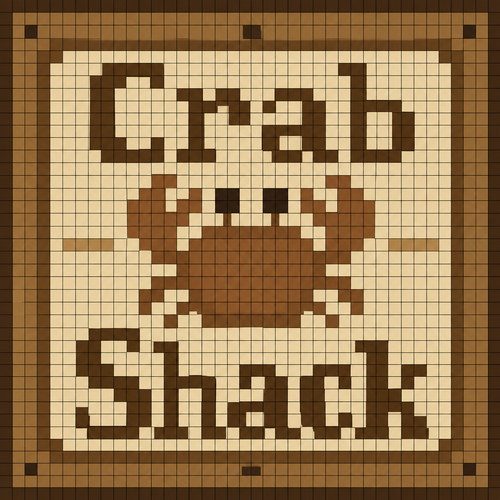
Create a 32×32 pixel art image for an Animal Crossing: New Horizons custom design. The canvas must contain exactly 32 columns × 32 rows of discrete square cells. Each cell must be a single, completely uniform solid color. NO gradients, shading, anti-aliasing, texture, dithering, highlights, transparency, or multiple colors within any individual cell. Every color change must occur only at the boundary between two cells. Make every pixel a perfect square of identical size. Add a thin grid line around every individual 1×1 pixel cell so all 32×32 cells are clearly visible. It should say Crab Shack in beige, brown, neutral colors. Use a limited color palette and hard edges only. Do not create details smaller than one pixel.

Create a 32×32 pixel art image for an Animal Crossing: New Horizons custom design. The canvas must contain exactly 32 columns × 32 rows of discrete square cells. Each cell must be a single, completely uniform solid color. NO gradients, shading, anti-aliasing, texture, dithering, highlights, transparency, or multiple colors within any individual cell. Every color change must occur only at the boundary between two cells. Make every pixel a perfect square of identical size. Add a thin grid line around every individual 1×1 pixel cell so all 32×32 cells are clearly visible. It should say Crab Shack in beige, brown, neutral colors. Use a limited color palette and hard edges only. Do not create details smaller than one pixel.

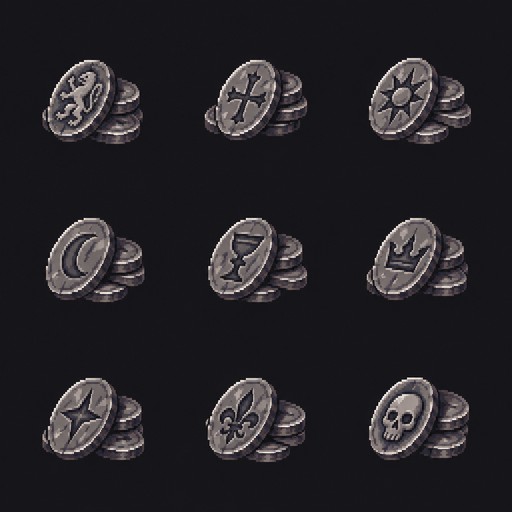
small stack of oval shaped silver coins with markings on it, 9 variants, each sprite is 32x32 inside a 48x48 canvas. Style: Painterly pixel art. Inspired by game: Stoneshard. Pixel size needs to be 1 px
small stack of oval shaped silver coins with markings on it, 9 variants, each sprite is 32x32 inside a 48x48 canvas. Style: Painterly pixel art. Inspired by game: Stoneshard. Pixel size needs to be 1 px

aries symbol with stars on light blue and beige background

aries symbol with stars on light blue and beige background

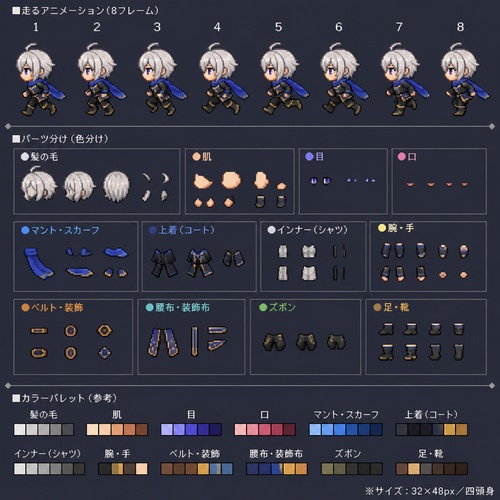
32x48px、四頭身、OC、走る8フレームアニメーション、スプライトの素体、体のパーツ別で色分け

32x48px、四頭身、OC、走る8フレームアニメーション、スプライトの素体、体のパーツ別で色分け

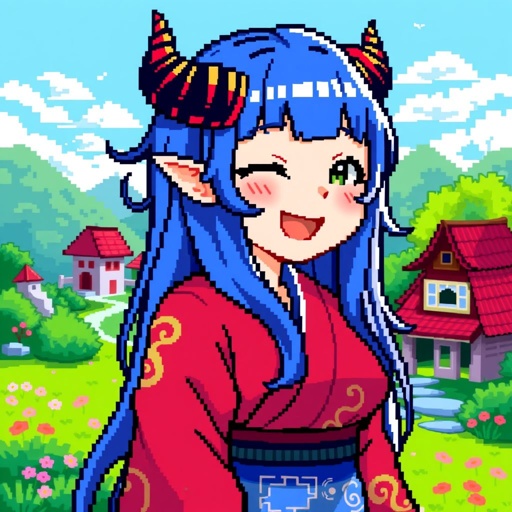
33x32 pixel image of Lucoa from Miss Kobayashis Drahon Maids

33x32 pixel image of Lucoa from Miss Kobayashis Drahon Maids

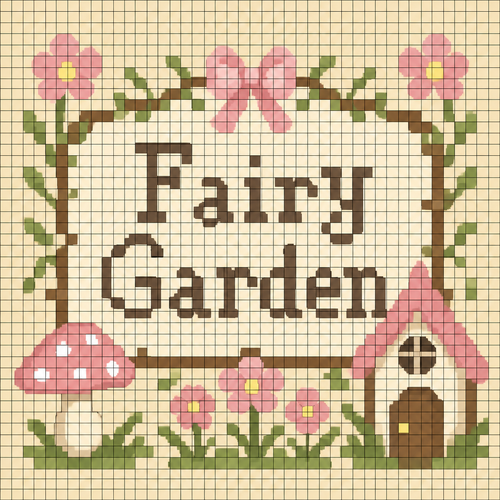
Create a 32×32 pixel art image for an Animal Crossing: New Horizons custom design. The canvas must contain exactly 32 columns × 32 rows of discrete square cells. Each cell must be a single, completely uniform solid color. NO gradients, shading, anti-aliasing, texture, dithering, highlights, transparency, or multiple colors within any individual cell. Every color change must occur only at the boundary between two cells. Make every pixel a perfect square of identical size. Add a thin grid line around every individual 1×1 pixel cell so all 32×32 cells are clearly visible. Only exactly one color in each individual grid cell is important. It should say Fairy Garden in beige, brown, pink, neutral colors. Use a limited color palette and hard edges only. Do not create details smaller than one pixel. Simplify the image to keep each cell one color.
Create a 32×32 pixel art image for an Animal Crossing: New Horizons custom design. The canvas must contain exactly 32 columns × 32 rows of discrete square cells. Each cell must be a single, completely uniform solid color. NO gradients, shading, anti-aliasing, texture, dithering, highlights, transparency, or multiple colors within any individual cell. Every color change must occur only at the boundary between two cells. Make every pixel a perfect square of identical size. Add a thin grid line around every individual 1×1 pixel cell so all 32×32 cells are clearly visible. Only exactly one color in each individual grid cell is important. It should say Fairy Garden in beige, brown, pink, neutral colors. Use a limited color palette and hard edges only. Do not create details smaller than one pixel. Simplify the image to keep each cell one color.

64x64 dog , plain park background

64x64 dog , plain park background

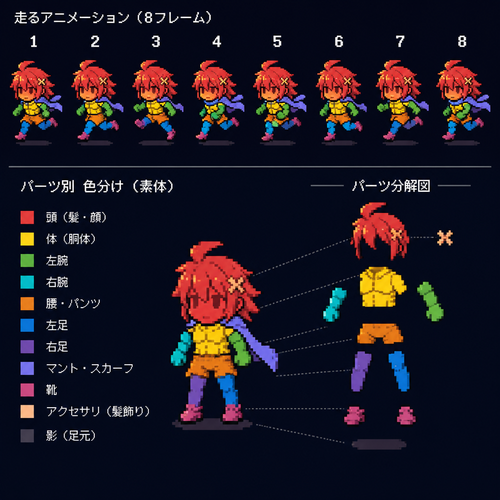
32x48px、四頭身、OC、走る8フレームアニメーション、スプライトの素体、体のパーツ別で色分け(頭=赤、体=黄色...)

32x48px、四頭身、OC、走る8フレームアニメーション、スプライトの素体、体のパーツ別で色分け(頭=赤、体=黄色...)

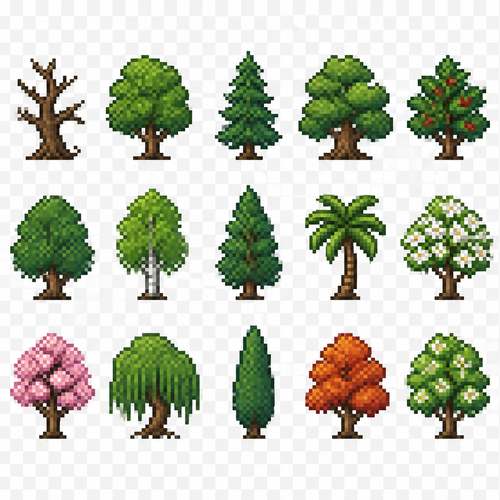
Create a 2D pixel art sprite sheet featuring 15 individual icons each exactly 32x32  pixels, arranged 5 horizontally and 3 vertically spaced evenly. Style: classic Realism RPG, inspired by 16bit games, with crisp pixel art, clean outlines, subtle shading, and a cohesive color palette. Use a transparent background. Each Icon  should be centered within its 32x32 canvas and remain highly readable at small sizes. 

The 15 icons are: 
1: Dead Tree
2: Regular Tree
3: Foxtail Pine Tre
4: White Oak Tree
5: Holly Tree
6: Elm Tree
7: Birch Tree
8: Cedar Tree
9: Palm Tree
10: White Dogwood Tree
11: Pink Dogwood Tree
12: Willow Tree
13: Cypress Tree
14: Sweetgum Tree
15: Black Cherry Tree

Requirements: 
	•	Each icon must be exactly 32x32 pixels.
  • All based off of real life variants.
   • All facing sideways so you see the side of their bodies.
	•	Output as a sprite sheet with each icon occupying its own 32x32 cell** DO NOT GO OUT PAST THESE PARAMETERs**
	•	Transparent background.
	•	No text, labels, borders, or UI elements.
	•	Consistent Fantasy RPG Aesthetic across all icons.
	•	High contrast and excellent readability for use in a game interface.
	•	Clean polished pixel art with enough detail for low resolution sprites.
	•	Avoid anti-aliasing, blurring, or painterly effects; preserve a true pixel art appearance.

Create a 2D pixel art sprite sheet featuring 15 individual icons each exactly 32x32 pixels, arranged 5 horizontally and 3 vertically spaced evenly. Style: classic Realism RPG, inspired by 16bit games, with crisp pixel art, clean outlines, subtle shading, and a cohesive color palette. Use a transparent background. Each Icon  should be centered within its 32x32 canvas and remain highly readable at small sizes.  The 15 icons are: 1: Dead Tree 2: Regular Tree 3: Foxtail Pine Tre 4: White Oak Tree 5: Holly Tree 6: Elm Tree 7: Birch Tree 8: Cedar Tree 9: Palm Tree 10: White Dogwood Tree 11: Pink Dogwood Tree 12: Willow Tree 13: Cypress Tree 14: Sweetgum Tree 15: Black Cherry Tree Requirements: • Each icon must be exactly 32x32 pixels. • All based off of real life variants. • All facing sideways so you see the side of their bodies. • Output as a sprite sheet with each icon occupying its own 32x32 cell** DO NOT GO OUT PAST THESE PARAMETERs** • Transparent background. • No text, labels, borders, or UI elements. • Consistent Fantasy RPG Aesthetic across all icons. • High contrast and excellent readability for use in a game interface. • Clean polished pixel art with enough detail for low resolution sprites. • Avoid anti-aliasing, blurring, or painterly effects; preserve a true pixel art appearance.

Create a 2D pixel art sprite sheet featuring 15 individual icons each exactly 32x32  pixels, arranged 5 horizontally and 3 vertically spaced evenly. Style: classic fantasy RPG, inspired by 16bit games, with crisp pixel art, clean outlines, subtle shading, and a cohesive color palette. Use a transparent background. Each Icon  should be centered within its 32x32 canvas and remain highly readable at small sizes. 


The 15 icons are: 


1: Yak
2: Cow - with a bell on its neck
3: Ram
4: Deer
5: Elk
6: Caribou
7: Red Squirrel
8: Gray Squirrel
9: White Rabbit
10: Black Rabbit
11: Grey Rabbit
12: Brown Rabbit
13: Log Pile - Big pile of random logs 
14: Rock Pile - big pile of random rocks
15: Rock crevice


Requirements: 
	•	Each icon must be exactly 32x32 pixels.
  • All based off of real life variants.
   • All facing sideways so you see the side of their bodies.
	•	Output as a sprite sheet with each icon occupying its own 32x32 cell** DO NOT GO OUT PAST THESE PARAMETERs**
	•	Transparent background.
	•	No text, labels, borders, or UI elements.
	•	Consistent Fantasy RPG Aesthetic across all icons.
	•	High contrast and excellent readability for use in a game interface.
	•	Clean polished pixel art with enough detail for low resolution sprites.
	•	Avoid anti-aliasing, blurring, or painterly effects; preserve a true pixel art appearance.

Create a 2D pixel art sprite sheet featuring 15 individual icons each exactly 32x32  pixels, arranged 5 horizontally and 3 vertically spaced evenly. Style: classic fantasy RPG, inspired by 16bit games, with crisp pixel art, clean outlines, subtle shading, and a cohesive color palette. Use a transparent background. Each Icon  should be centered within its 32x32 canvas and remain highly readable at small sizes.  The 15 icons are:  1: Yak 2: Cow - with a bell on its neck 3: Ram 4: Deer 5: Elk 6: Caribou 7: Red Squirrel 8: Gray Squirrel 9: White Rabbit 10: Black Rabbit 11: Grey Rabbit 12: Brown Rabbit 13: Log Pile - Big pile of random logs 14: Rock Pile - big pile of random rocks 15: Rock crevice Requirements:  • Each icon must be exactly 32x32 pixels.   • All based off of real life variants.    • All facing sideways so you see the side of their bodies. • Output as a sprite sheet with each icon occupying its own 32x32 cell** DO NOT GO OUT PAST THESE PARAMETERs** • Transparent background. • No text, labels, borders, or UI elements. • Consistent Fantasy RPG Aesthetic across all icons. • High contrast and excellent readability for use in a game interface. • Clean polished pixel art with enough detail for low resolution sprites. • Avoid anti-aliasing, blurring, or painterly effects; preserve a true pixel art appearance.