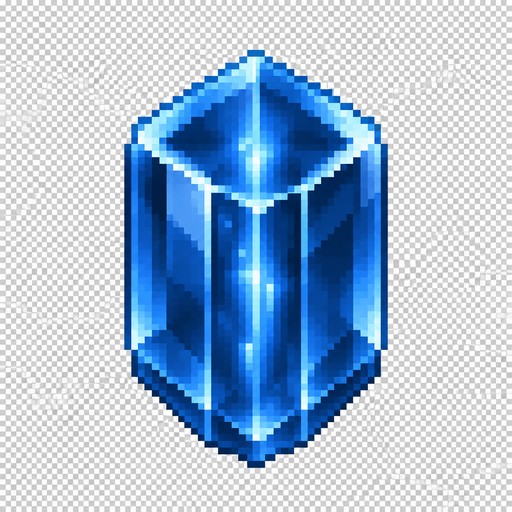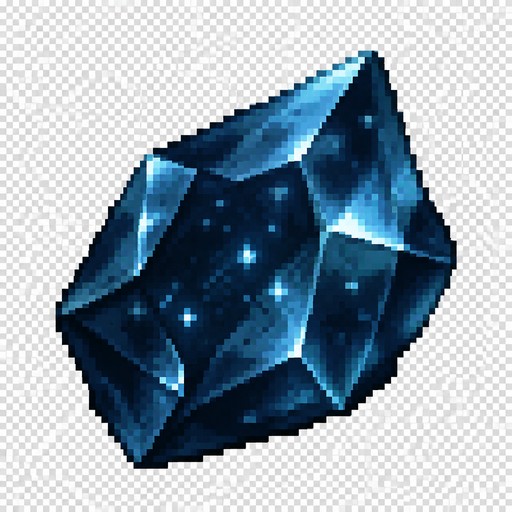
Pixel Icon pixel art example

Pixel Icon pixel art generator

Tiny bold-silhouette icons

Pixel icon style crafts tiny, bold-silhouette icons with clean edges — the language of inventories and item shops. Perfect for game items, badges, and emoji-scale art.

Prompt ideas

Community pixel icon pixel art
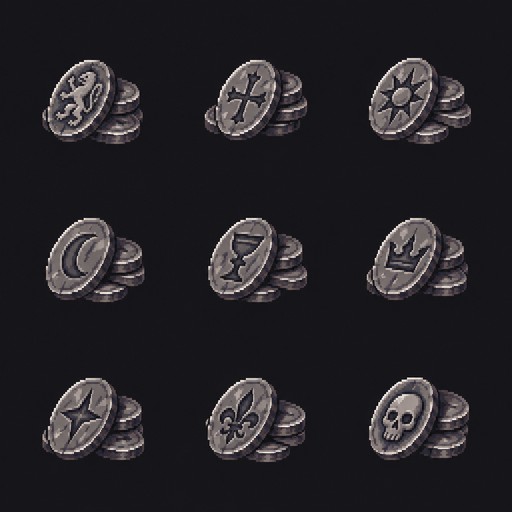
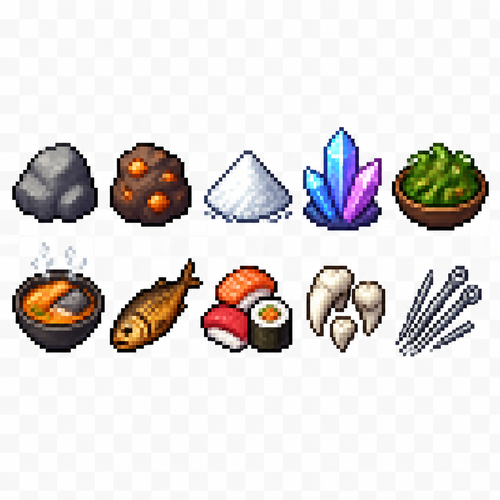
Create a 2D pixel art sprite sheet, 32x32 pixel icons. 
A clean game asset sheet containing 10 separate item icons, each icon centered in its own square cell with equal spacing.

Style: retro pixel art, fantasy survival game inventory icons, sharp pixels, no anti-aliasing, limited color palette, high readability at small size, detailed but simple shapes.

Items to create:
1. Stone — rough gray rock with pixel highlights and shadows.
2. Copper ore — brown stone chunk with visible orange copper veins.
3. Salt — small pile of white salt crystals with subtle blue-gray shadows.
4. Crystals — glowing fantasy crystals, transparent blue/purple shards.
5. Seaweed salad — bowl or pile of green seaweed with small food details.
6. Fish soup — bowl of hot seafood soup, orange broth, fish pieces, steam pixels.
7. Smoked fish — cooked fish with darker golden-brown texture.
8. Sushi and rolls — pixel art sushi pieces with rice, seaweed, and colorful toppings.
9. Teeth — collection of white sharp monster teeth or animal fangs.
10. Needles — bundle of thin sharp needles, metallic gray with highlights.

Composition:
- Sprite sheet layout: 5 columns x 2 rows.
- Each icon exactly 32x32 pixels.
- Transparent background.
- Consistent pixel scale and lighting direction.
- No text, no labels, no UI frame.
- Each object must be clearly recognizable as an inventory item.
- Professional indie game asset quality.

Create a 2D pixel art sprite sheet, 32x32 pixel icons. A clean game asset sheet containing 10 separate item icons, each icon centered in its own square cell with equal spacing. Style: retro pixel art, fantasy survival game inventory icons, sharp pixels, no anti-aliasing, limited color palette, high readability at small size, detailed but simple shapes. Items to create: 1. Stone — rough gray rock with pixel highlights and shadows. 2. Copper ore — brown stone chunk with visible orange copper veins. 3. Salt — small pile of white salt crystals with subtle blue-gray shadows. 4. Crystals — glowing fantasy crystals, transparent blue/purple shards. 5. Seaweed salad — bowl or pile of green seaweed with small food details. 6. Fish soup — bowl of hot seafood soup, orange broth, fish pieces, steam pixels. 7. Smoked fish — cooked fish with darker golden-brown texture. 8. Sushi and rolls — pixel art sushi pieces with rice, seaweed, and colorful toppings. 9. Teeth — collection of white sharp monster teeth or animal fangs. 10. Needles — bundle of thin sharp needles, metallic gray with highlights. Composition: - Sprite sheet layout: 5 columns x 2 rows. - Each icon exactly 32x32 pixels. - Transparent background. - Consistent pixel scale and lighting direction. - No text, no labels, no UI frame. - Each object must be clearly recognizable as an inventory item. - Professional indie game asset quality.
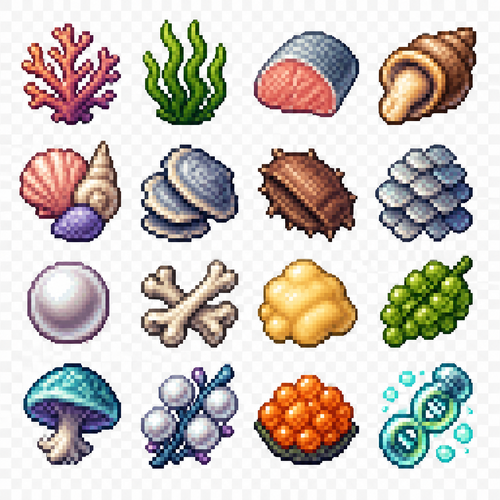
Create a 2D pixel art sprite sheet, 32x32 pixel icons.

Theme: underwater fantasy resources / ocean crafting materials.

Create a clean grid sheet containing separate item icons, each icon exactly 32x32 pixels. 
Each object must be isolated, centered, readable, with consistent pixel art style.

Style:
- retro game pixel art
- 32-bit inspired but true 32x32 pixel resolution
- sharp pixel edges
- limited color palette
- detailed but clear silhouettes
- fantasy RPG inventory item icons
- no text, no numbers, no UI frames
- transparent background
- consistent lighting and perspective

Include these icons:

1. Coral — colorful ocean coral branches
2. Seaweed — green aquatic algae strands
3. Fish meat — raw fish fillet resource item
4. Snail meat / rapana seafood — edible shellfish meat, fantasy cooking ingredient
5. Seashells — different ocean shells
6. Shell armor plates — hard marine shells / protective plates
7. Chitin — insect-like or crustacean hard organic material
8. Fish scales — shiny overlapping scales resource
9. Pearl — glowing white pearl
10. Bones — marine animal bones
11. Fat — animal/ocean creature fat resource
12. Sea grapes — clusters of green sea grapes algae
13. Sea mushroom — underwater fantasy mushroom
14. Pearl berries — magical pearl-like ocean berries
15. Fish roe / caviar — orange fish eggs
16. Genetic material — glowing biological DNA sample / alien ocean essence

Composition:
- arrange all icons in a neat sprite sheet grid
- equal spacing between icons
- every icon clearly separated
- suitable for a fantasy survival game inventory
- high readability at small size

Pixel art keywords:
pixel perfect, 32x32 sprite, RPG item icons, underwater resources, fantasy game assets, retro pixel art, clean outlines, detailed shading
Create a 2D pixel art sprite sheet, 32x32 pixel icons. Theme: underwater fantasy resources / ocean crafting materials. Create a clean grid sheet containing separate item icons, each icon exactly 32x32 pixels. Each object must be isolated, centered, readable, with consistent pixel art style. Style: - retro game pixel art - 32-bit inspired but true 32x32 pixel resolution - sharp pixel edges - limited color palette - detailed but clear silhouettes - fantasy RPG inventory item icons - no text, no numbers, no UI frames - transparent background - consistent lighting and perspective Include these icons: 1. Coral — colorful ocean coral branches 2. Seaweed — green aquatic algae strands 3. Fish meat — raw fish fillet resource item 4. Snail meat / rapana seafood — edible shellfish meat, fantasy cooking ingredient 5. Seashells — different ocean shells 6. Shell armor plates — hard marine shells / protective plates 7. Chitin — insect-like or crustacean hard organic material 8. Fish scales — shiny overlapping scales resource 9. Pearl — glowing white pearl 10. Bones — marine animal bones 11. Fat — animal/ocean creature fat resource 12. Sea grapes — clusters of green sea grapes algae 13. Sea mushroom — underwater fantasy mushroom 14. Pearl berries — magical pearl-like ocean berries 15. Fish roe / caviar — orange fish eggs 16. Genetic material — glowing biological DNA sample / alien ocean essence Composition: - arrange all icons in a neat sprite sheet grid - equal spacing between icons - every icon clearly separated - suitable for a fantasy survival game inventory - high readability at small size Pixel art keywords: pixel perfect, 32x32 sprite, RPG item icons, underwater resources, fantasy game assets, retro pixel art, clean outlines, detailed shading

Create simple intuitive pixel art UI icons for an underwater survival game.

Style:
- 2D pixel art
- 32x32 pixels
- front view
- simple shapes
- very readable at small size
- no frame, no border, no background
- transparent background
- no text
- no numbers
- clean game HUD icons
- limited colors
- consistent style

Theme:
Underwater world. Add small ocean details like blue tones, bubbles, coral texture, marine technology elements. Icons must be simple and instantly recognizable.

Create these separate icons:

1. Inventory:
Simple backpack icon with a small shell or item inside.

2. Blueprints / Crafting:
Simple paper sheet icon with a small gear symbol.

3. Building mode:
Simple hammer icon with a small building block.

4. Shop:
Simple underwater crate or chest with a coin symbol.

5. Pick up item:
Simple open hand icon with a small floating resource above it.

6. Gather with tool:
Simple pickaxe or drill icon.

7. Interaction:
Simple hand touching a machine button or small console.

8. Talk:
Simple speech bubble icon with a small diving helmet symbol.

9. Settings:
Simple gear icon.

10. Quest list:
Simple paper checklist icon with 2-3 check marks.

11. News:
Simple radio / signal icon with waves.

Additional requirements:
- each icon isolated
- same pixel size and visual language
- thick pixel outlines
- strong silhouette
- readable in 32x32 resolution
- suitable for underwater game interface

Create simple intuitive pixel art UI icons for an underwater survival game. Style: - 2D pixel art - 32x32 pixels - front view - simple shapes - very readable at small size - no frame, no border, no background - transparent background - no text - no numbers - clean game HUD icons - limited colors - consistent style Theme: Underwater world. Add small ocean details like blue tones, bubbles, coral texture, marine technology elements. Icons must be simple and instantly recognizable. Create these separate icons: 1. Inventory: Simple backpack icon with a small shell or item inside. 2. Blueprints / Crafting: Simple paper sheet icon with a small gear symbol. 3. Building mode: Simple hammer icon with a small building block. 4. Shop: Simple underwater crate or chest with a coin symbol. 5. Pick up item: Simple open hand icon with a small floating resource above it. 6. Gather with tool: Simple pickaxe or drill icon. 7. Interaction: Simple hand touching a machine button or small console. 8. Talk: Simple speech bubble icon with a small diving helmet symbol. 9. Settings: Simple gear icon. 10. Quest list: Simple paper checklist icon with 2-3 check marks. 11. News: Simple radio / signal icon with waves. Additional requirements: - each icon isolated - same pixel size and visual language - thick pixel outlines - strong silhouette - readable in 32x32 resolution - suitable for underwater game interface

icon pixel art

icon pixel art

icon pixel art

icon pixel art

icon pixel art

icon pixel art

icon pixel art

icon pixel art

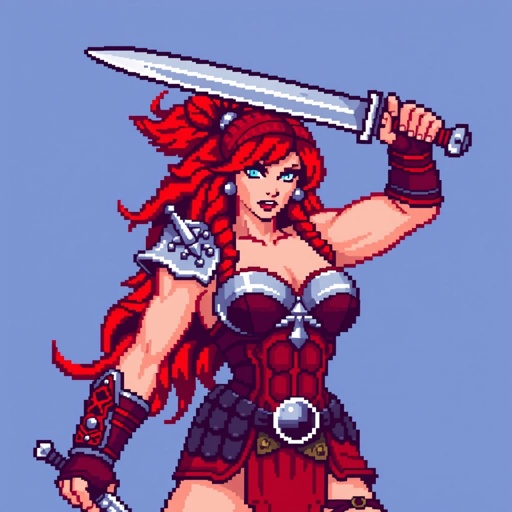
Red sonja icon

Red sonja icon

16x Purple shell icon

16x Purple shell icon

Create a set of 11 separate UI icons for a fully underwater pixel art survival game.

Style:
- 2D pixel art
- 32x32 pixels each icon
- front view / straight-on view
- no UI frames, no borders, no buttons, no background
- transparent background
- clean readable silhouette
- game interface icon style similar to classic pixel adventure games
- limited color palette
- high contrast
- designed for small size readability

World theme:
- everything happens underwater
- futuristic underwater exploration / ocean survival atmosphere
- use underwater materials and motifs: coral, shells, sea technology, diving equipment, bioluminescent details, aquatic textures
- avoid fantasy land objects
- icons should feel like they belong to an underwater crafting survival game

Create these separate icons:

1. Inventory icon:
A small underwater storage container or diving equipment backpack filled with collected resources, shells, minerals, and items.

2. Blueprints / Recipes / Crafting icon:
A rolled blueprint sheet combined with a small gear and crafting symbol, futuristic underwater engineering style.

3. Building mode icon:
A construction hologram tool or underwater building module, showing a small structure outline with a wrench or placement symbol.

4. Shop icon:
An underwater trading terminal or marine supply kiosk with glowing screen, shells and resource exchange symbol.

5. Hand / Pick up item icon:
A simplified diving glove hand reaching toward a floating underwater resource.

6. Tool gathering icon:
A mining or harvesting tool (underwater drill, cutter, or futuristic harvesting device) interacting with a mineral or coral resource.

7. Interaction icon:
A hand/tool interacting with an underwater crafting station, machine console, or marine technology device.

8. Talk icon:
A communication symbol for speaking with underwater characters: diving helmet with speech bubble or sonar communication symbol.

9. Settings icon:
A mechanical gear combined with underwater technology elements, small and recognizable.

10. Quest list icon:
A mission tablet, sonar map, or underwater data screen with checklist marks.

11. News icon:
An underwater communication device, radio beacon, sonar signal, or information terminal.

Requirements:
- each icon isolated separately
- no text inside icons
- no numbers
- no labels
- no circular UI background
- no square frame
- no shadows outside the pixel object
- consistent perspective and style across all icons
- optimized for 32x32 pixel game HUD

Create a set of 11 separate UI icons for a fully underwater pixel art survival game. Style: - 2D pixel art - 32x32 pixels each icon - front view / straight-on view - no UI frames, no borders, no buttons, no background - transparent background - clean readable silhouette - game interface icon style similar to classic pixel adventure games - limited color palette - high contrast - designed for small size readability World theme: - everything happens underwater - futuristic underwater exploration / ocean survival atmosphere - use underwater materials and motifs: coral, shells, sea technology, diving equipment, bioluminescent details, aquatic textures - avoid fantasy land objects - icons should feel like they belong to an underwater crafting survival game Create these separate icons: 1. Inventory icon: A small underwater storage container or diving equipment backpack filled with collected resources, shells, minerals, and items. 2. Blueprints / Recipes / Crafting icon: A rolled blueprint sheet combined with a small gear and crafting symbol, futuristic underwater engineering style. 3. Building mode icon: A construction hologram tool or underwater building module, showing a small structure outline with a wrench or placement symbol. 4. Shop icon: An underwater trading terminal or marine supply kiosk with glowing screen, shells and resource exchange symbol. 5. Hand / Pick up item icon: A simplified diving glove hand reaching toward a floating underwater resource. 6. Tool gathering icon: A mining or harvesting tool (underwater drill, cutter, or futuristic harvesting device) interacting with a mineral or coral resource. 7. Interaction icon: A hand/tool interacting with an underwater crafting station, machine console, or marine technology device. 8. Talk icon: A communication symbol for speaking with underwater characters: diving helmet with speech bubble or sonar communication symbol. 9. Settings icon: A mechanical gear combined with underwater technology elements, small and recognizable. 10. Quest list icon: A mission tablet, sonar map, or underwater data screen with checklist marks. 11. News icon: An underwater communication device, radio beacon, sonar signal, or information terminal. Requirements: - each icon isolated separately - no text inside icons - no numbers - no labels - no circular UI background - no square frame - no shadows outside the pixel object - consistent perspective and style across all icons - optimized for 32x32 pixel game HUD

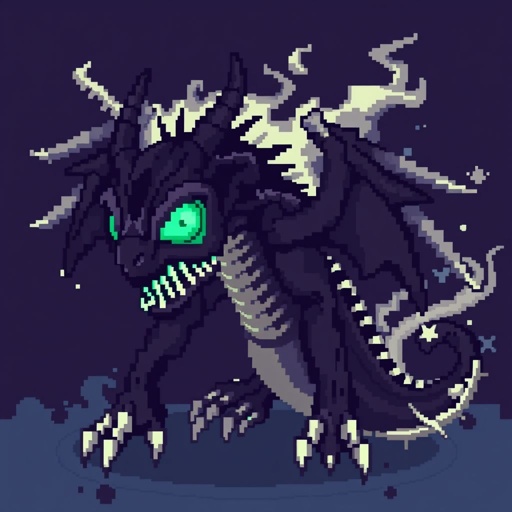
Undead dracolych icon

Undead dracolych icon

Pixel art icon collection of mythical creatures, each designed to fit within a small square grid while retaining distinctive features

Pixel art icon collection of mythical creatures, each designed to fit within a small square grid while retaining distinctive features

Try another style