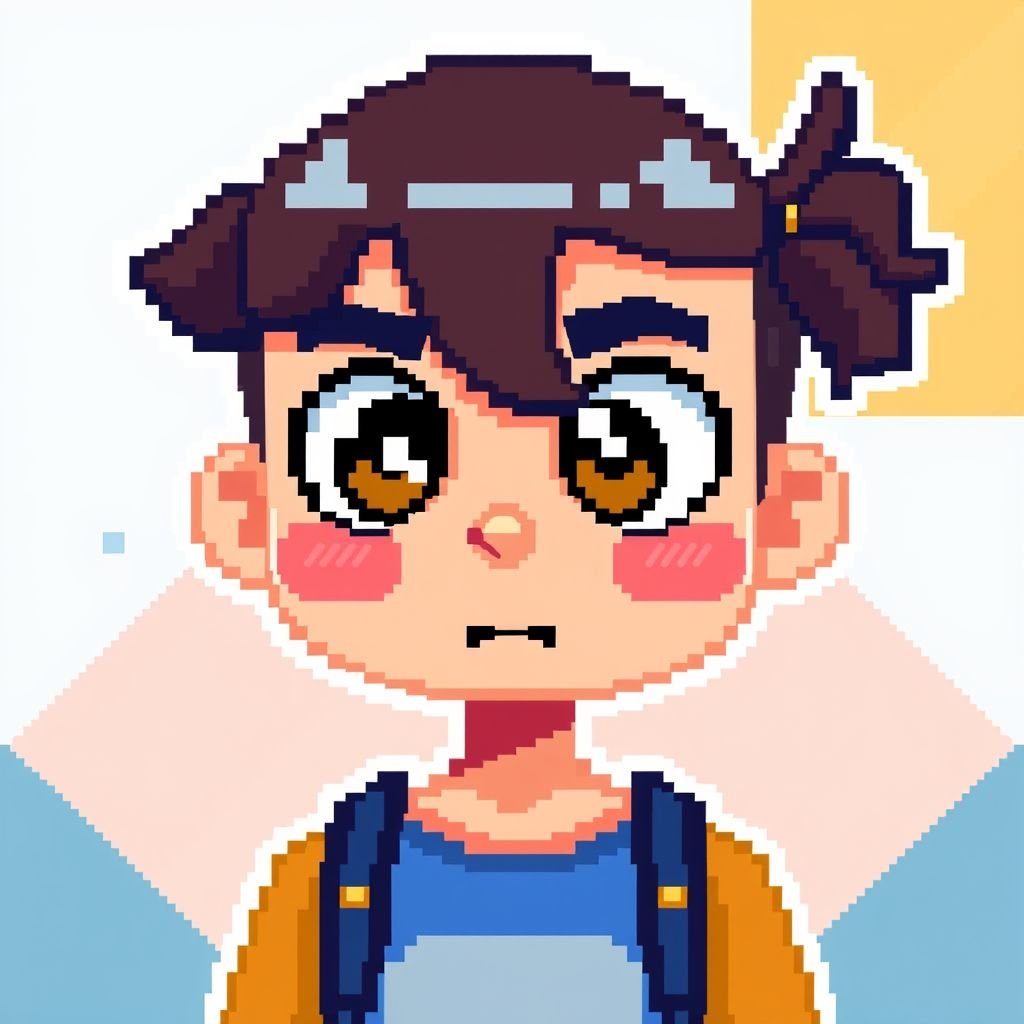
Pixel version of myself
More from the community
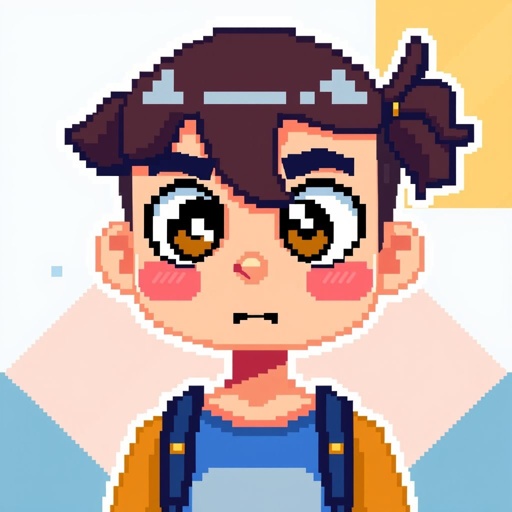
Pixel version of myself
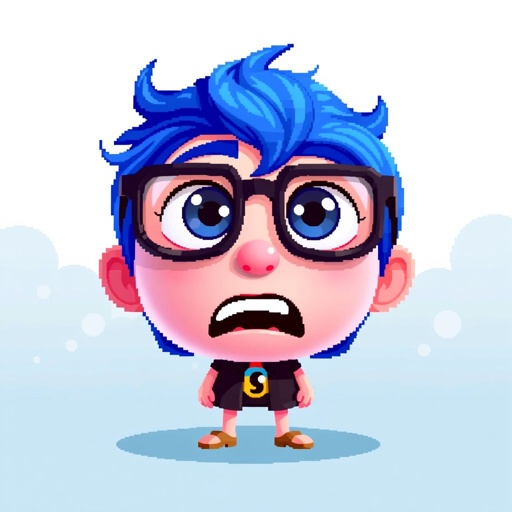
3d pixel version of anxiety character from insideout 2
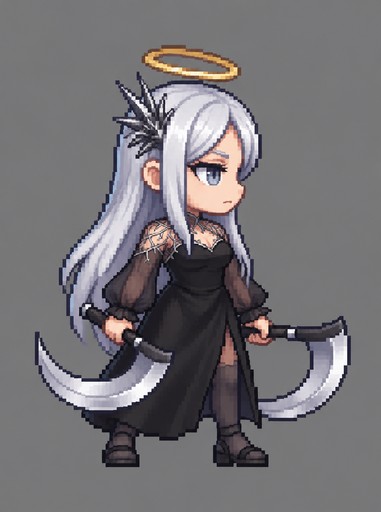
Pixel art person with long white hair holding a curved scythe against gray background
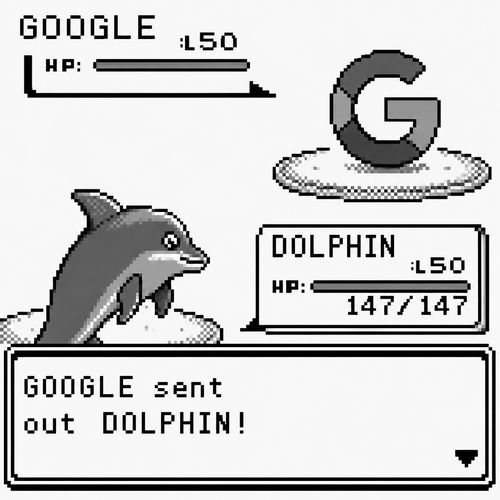
of the photo real in. the pokemon battle with google to send out dolphin. black and white version pixel

dark deciption in a 8bit version
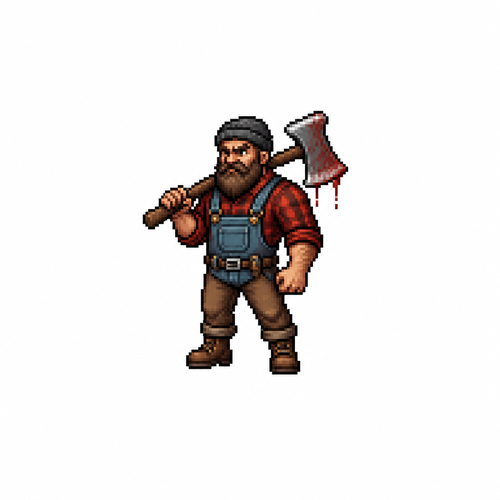
Make me a Lumberjack the most details possible with a bloddy axe and a Red checkered shirt a Blue overalls Big beard and brown pants and boots make it small and in a white background. Make it that is for a battle game without a lot of pixel but detail (small version)
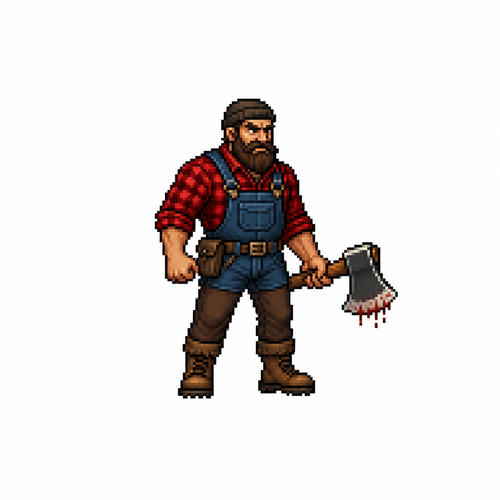
Make me a Lumberjack the most details possible with a bloddy axe and a Red checkered shirt a Blue overalls Big beard and brown pants and boots make it small and in a white background. Make it that is for a battle game less pixel but detail (small version)
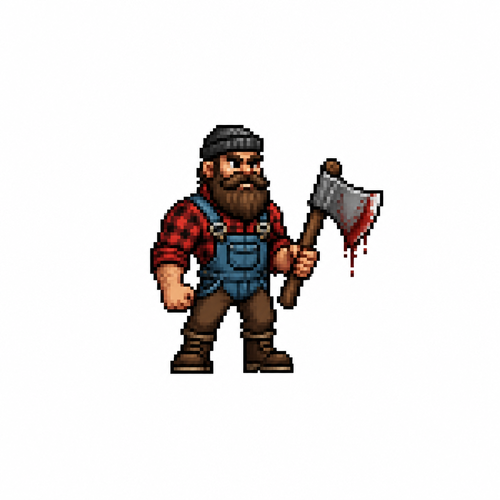
Make me a Lumberjack the most details possible with a bloddy axe and a Red checkered shirt a Blue overalls Big beard and brown pants and boots make it small and in a white background. Make it that is for a battle game without a lot of pixel but detail (small version) And a lumber axe
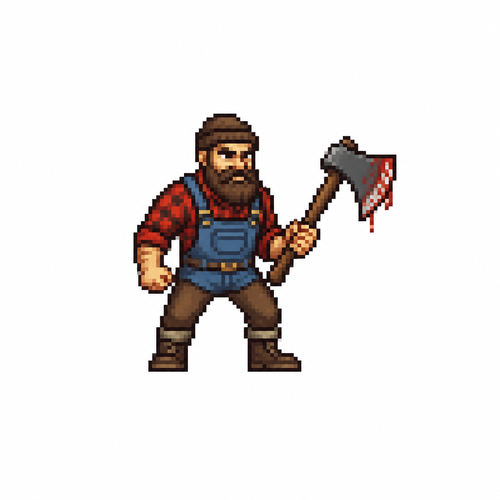
Make me a Lumberjack the most details possible with a bloddy axe and a Red checkered shirt a Blue overalls Big beard and brown pants and boots make it small and in a white background. Make it that is for a battle game without a lot of pixel but detail (small version) And a lumber axe
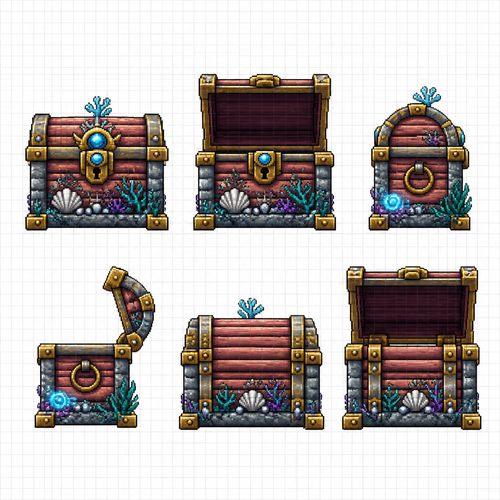
Create a pixel art sprite sheet on a pure white background with a visible square pixel grid separating each sprite. Every sprite must fit inside a 64x64 pixel tile. High-quality game asset for a 2D pixel art underwater colony simulator. Theme: underwater civilization. The chest is handcrafted from coral wood, stone, shells, brass fittings, pearls, and glowing sea minerals. It should look sturdy, decorative, and suitable for storing valuable underwater resources. Generate 6 sprites representing two animation states from three viewing angles: 1. Front View – Chest Closed 2. Front View – Chest Open 3. Side View (Profile) – Chest Closed 4. Side View (Profile) – Chest Open 5. Back View – Chest Closed 6. Back View – Chest Open The only difference between each pair should be the lid position. The chest body must remain perfectly aligned between the open and closed versions so they can be swapped directly as animation frames. The lid should appear hinged at the back and opened approximately 100–110 degrees in the open version. Style requirements: * 64x64 pixels per sprite * orthographic view * no perspective * front, side, and back views only * centered inside each tile * consistent proportions between all views * clean readable silhouette * crisp pixel art * no anti-aliasing * limited fantasy color palette * underwater fantasy aesthetic * coral, shells, stone, brass hardware, pearls * subtle bioluminescent accents * professional game asset quality * readable at game scale * no background except pure white * visible square pixel grid * equal spacing between sprites * no shadows outside the sprite * no text * no labels * no UI * sprite sheet layout Important: The closed and open versions of each view must use identical positioning and dimensions so they function as two animation frames without any pixel shifting or wobble. The only moving element is the lid.
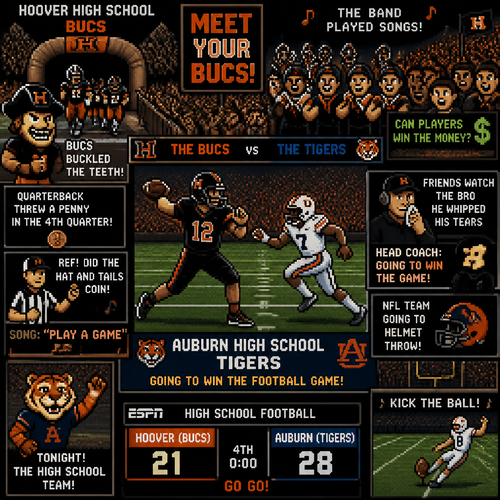
of the ai generated of the image of the photo real on the alabama high school hoover high school bucs the bucs vs the. auburn high school tigers real live action the quaterback beats the hoover. to the stadutim coming out of the tunnel meet your bucs the bandplayed songs can players win the money good job so auburn going to win the football game no the high school tea m version on tonight they had a mascot there hoover bucs buckled the teeth quaterback threw a. penny in the fourth quater refree did the. hat and tails coin song the song is called play a game. friends watch the brow he whipped his tears head coach going to win the game. nfl team going to helmet thorw auburn high going. get espn's scoreborad in the screen go go kick the ball
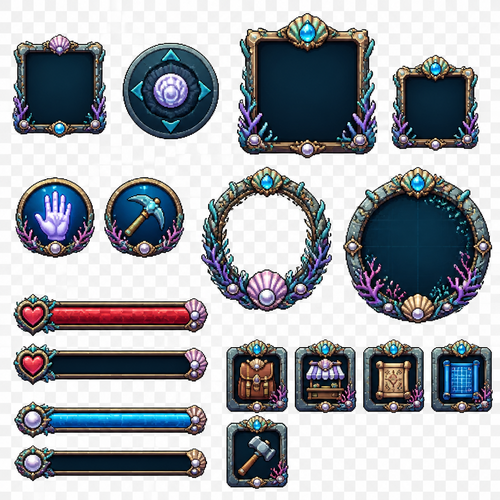
Create a pixel art user interface asset sprite sheet for a 2D underwater fantasy RPG game. Create a complete set of game UI elements arranged on one sheet. Style: clean detailed pixel art UI, fantasy underwater theme. Transparent background. Consistent design language across all elements. Dark ocean colors, shells, coral textures, pearls, ancient sea civilization details. No text, no numbers, no characters, no background. Create the following UI elements: 1. Empty inventory slot — square item slot frame, simple decorative border. 2. Joystick button — circular mobile control joystick with fantasy underwater design. 3. Primary weapon slot — highlighted weapon equipment slot with larger frame. 4. Secondary weapon slot — smaller equipment slot with matching design. 5. Interaction button (hand icon) — round action button with a hand symbol. 6. Interaction button (tool icon) — round action button with a tool symbol (pickaxe, wrench, or harvesting tool). 7. Avatar frame — decorative portrait frame for character avatar, underwater fantasy style. 8. Health bar — horizontal life bar frame with empty and filled versions. 9. Experience bar — horizontal XP progression bar frame with empty and filled versions. 10. Inventory button — square UI button with backpack/chest icon. 11. Shop button — square UI button with trade/store icon. 12. Blueprints button — square UI button with construction plans/scroll icon. 13. Building mode button — square UI button with hammer/building icon. 14. Minimap frame — decorative circular or square minimap border with underwater fantasy details. Arrange all UI elements in a clean organized grid. Each element should be separated and ready to use as a game asset. Pixel-perfect design. High quality pixel art. Consistent scale and style. Transparent background. No text labels. No extra objects. Mobile 2D RPG game UI asset pack.