
A rolled Christmas yule log with realistic bark-textured frosting and a visible spiral. White background
More from the community

A rolled Christmas yule log with realistic bark-textured frosting and a visible spiral. White background

Cartoon cinnamon roll dog, full body, white background
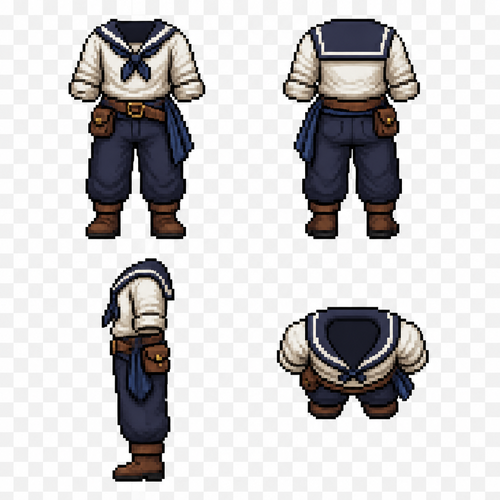
Create a pixel art clothing reference sprite sheet for a male 2D game character. A sailor outfit set shown in four views: front view, back view, side view, and top-down view. Total: 4 clothing images arranged on one sheet. Style: clean detailed pixel art for a character customization system. Transparent background. Clothing only — no head, no hair, no body, no face. Designed as a clothing overlay for a male character sprite. Sailor outfit design: * Simple sailor shirt with rolled sleeves. * Loose practical trousers suitable for sailing. * Leather belt with small pouch. * Simple sailor boots. * Optional cloth sash or scarf detail. * Practical everyday sailor clothing, not military, not fantasy armor. Create four matching views: 1. Front view — complete outfit visible. 2. Back view — show back details and clothing shape. 3. Side view — accurate silhouette. 4. Top-down view (bird’s-eye view for a top-down RPG character sprite). Keep the exact same outfit design, colors, proportions, and details across all four views. The clothing must align perfectly with the same male base character model. Arrange the 4 sprites in a clean grid layout. Pixel-perfect alignment. Transparent background. No text. No labels. No extra objects. Game asset sprite sheet. Each image: 64×64 pixels. Designed to fit a 64×96 pixel male character base model.
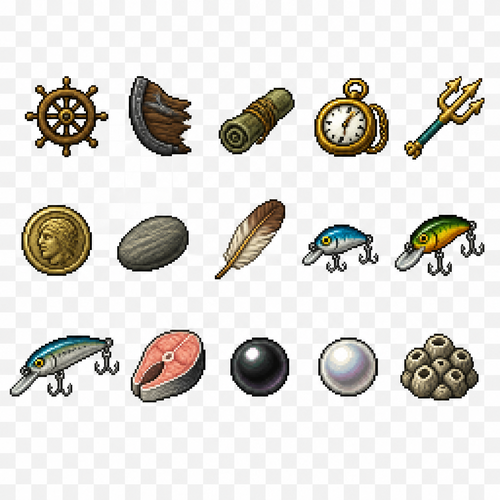
Create a 2D pixel art sprite sheet featuring 15 individual icons each exactly 32x32 pixels, arranged 5 horizontally and 3 vertically spaced evenly. Style: classic fantasy RPG, inspired by 16bit games, with crisp pixel art, clean outlines, subtle shading, and a cohesive color palette. Use a transparent background. Each Icon should be centered within its 45x45 canvas and remain highly readable at small sizes. The 15 icons are: 1: Ships Wheel 2: Ship Hull Piece 3: Old Painting - Rolled up waterlogged painting. 4: Brass Pocket Watch 5: Poseidons Trident 6: Ancient Coin 7: Smooth River Stone 8: Chicken Feather 9: Small Lure 10: Medium Lure 11: Large Lure 12: Chunked Fish 13: Black Pearl 14: White Pearl 15: Barnacle Cluster Requirements: • Each icon must be exactly 32x32 pixels. • All based off of real life variants. • All facing sideways so you see the side of their bodies. • Output as a sprite sheet with each icon occupying its own 32x32 cell. • Transparent background. • No text, labels, borders, or UI elements. • Consistent Fantasy RPG Aesthetic across all icons. • High contrast and excellent readability for use in a game interface. • Clean polished pixel art with enough detail for low resolution sprites. • Avoid anti-aliasing, blurring, or painterly effects; preserve a true pixel art appearance.
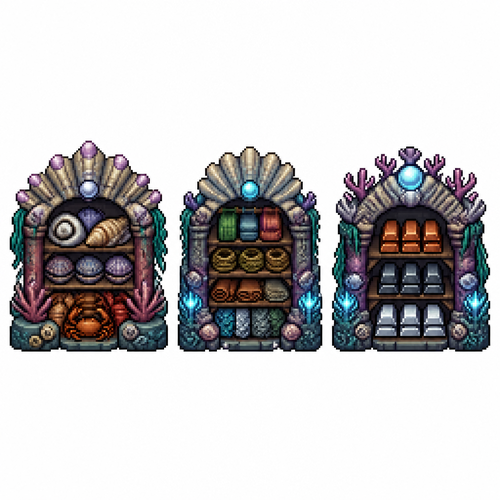
Prompt (ENG): Create a pixel art sprite sheet on a pure white background with a visible square pixel grid separating each sprite. Every object must fit inside a 64x64 pixel tile, front view (orthographic), no perspective, clean readable silhouettes, game-ready assets. Theme: underwater civilization. All buildings are designed to function beneath the sea, constructed from coral, shells, stone, seaweed, driftwood, giant clam shells, barnacles, pearls, and bioluminescent algae. Avoid any surface-world architecture. Include exactly these sprites: 1. Shell Storage – a sturdy underwater warehouse for storing shells and crustacean carapaces. Large decorative shell piles, stacked clam shells, crab and lobster carapaces, reinforced with coral beams and stone supports. 2. Textile Storage – an underwater warehouse for soft crafting materials. Visible bundles of woven sea-fiber fabric, coils of rope made from kelp fibers, rolled hides, cured leather, and neatly stacked fish and sea serpent scales. Built from coral, stone, and shell architecture. 3. Metal Storage – an underwater warehouse dedicated to refined metals. Organized stacks of metal ingots in shell racks and coral shelves. Include bronze-, iron-, and silver-colored ingots, protected by heavy coral pillars and stone walls. Style requirements: * high-quality pixel art * 64x64 pixels per sprite * front view only * consistent scale * clean outlines * limited fantasy color palette * readable at game resolution * no shadows outside the sprite * no background except pure white * each sprite centered inside its tile * equal spacing between sprites * sprite sheet layout * no text * no labels * no UI * no animation frames * professional game asset quality * inspired by classic pixel-art colony simulators and crafting games * underwater fantasy aesthetic * crisp pixel edges * no anti-aliasing Consistency note: Keep the architectural language, materials, proportions, lighting, and color palette consistent with the previously generated buildings (greenhouse, smelter, stonecutter’s table, food storage, and coral fence), so all assets look like they belong to the same underwater civilization.
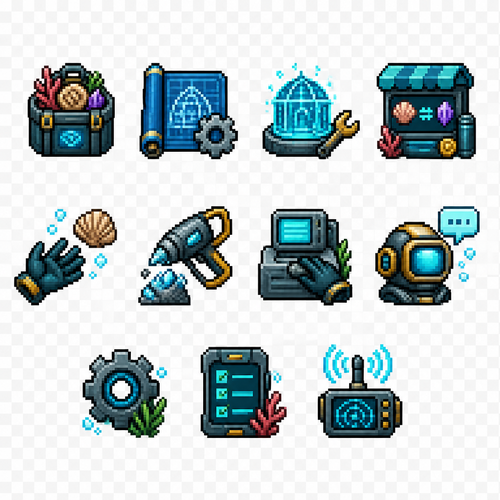
Create a set of 11 separate UI icons for a fully underwater pixel art survival game. Style: - 2D pixel art - 32x32 pixels each icon - front view / straight-on view - no UI frames, no borders, no buttons, no background - transparent background - clean readable silhouette - game interface icon style similar to classic pixel adventure games - limited color palette - high contrast - designed for small size readability World theme: - everything happens underwater - futuristic underwater exploration / ocean survival atmosphere - use underwater materials and motifs: coral, shells, sea technology, diving equipment, bioluminescent details, aquatic textures - avoid fantasy land objects - icons should feel like they belong to an underwater crafting survival game Create these separate icons: 1. Inventory icon: A small underwater storage container or diving equipment backpack filled with collected resources, shells, minerals, and items. 2. Blueprints / Recipes / Crafting icon: A rolled blueprint sheet combined with a small gear and crafting symbol, futuristic underwater engineering style. 3. Building mode icon: A construction hologram tool or underwater building module, showing a small structure outline with a wrench or placement symbol. 4. Shop icon: An underwater trading terminal or marine supply kiosk with glowing screen, shells and resource exchange symbol. 5. Hand / Pick up item icon: A simplified diving glove hand reaching toward a floating underwater resource. 6. Tool gathering icon: A mining or harvesting tool (underwater drill, cutter, or futuristic harvesting device) interacting with a mineral or coral resource. 7. Interaction icon: A hand/tool interacting with an underwater crafting station, machine console, or marine technology device. 8. Talk icon: A communication symbol for speaking with underwater characters: diving helmet with speech bubble or sonar communication symbol. 9. Settings icon: A mechanical gear combined with underwater technology elements, small and recognizable. 10. Quest list icon: A mission tablet, sonar map, or underwater data screen with checklist marks. 11. News icon: An underwater communication device, radio beacon, sonar signal, or information terminal. Requirements: - each icon isolated separately - no text inside icons - no numbers - no labels - no circular UI background - no square frame - no shadows outside the pixel object - consistent perspective and style across all icons - optimized for 32x32 pixel game HUD
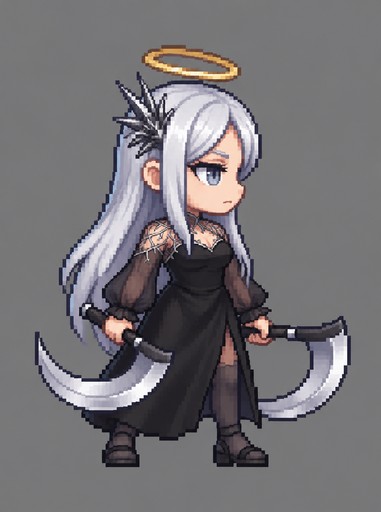
Pixel art person with long white hair holding a curved scythe against gray background
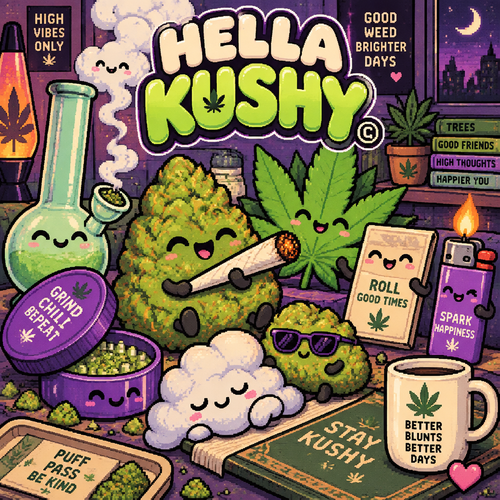
Convert the reference image into an original kawaii cannabis-themed illustration while preserving the overall playful composition and simple, charming aesthetic. Redesign every character as a unique cannabis-inspired object, such as cannabis nugs, fan leaves, buds, pre-rolls, smoke clouds, or other cannabis-themed elements. Avoid directly copying the original characters—each should be an original reinterpretation. Add fun cannabis accessories and props throughout the artwork, including lighters, flames, smoke clouds, rolling papers, joints, grinders, hemp leaves, bongs and other cannabis-related details to enrich the scene. Keep each character’s facial features extremely simple and cute, using the same minimal eye and mouth style as the reference. Give every character a new, unique facial expression that differs from the original while maintaining the same kawaii minimalism. Replace all Japanese text with original cannabis-themed humor, puns, quotes, or playful sayings. Replace the primary logo with “HELLA KUSHY©”, using a bold, cute, sticker-style type treatment that complements the illustration. Use a rich cannabis-inspired color palette featuring vibrant greens, neon lime, olive, orange,, deep purple, lavender, cream, and subtle pink hues. Include soft gradients and clean cel shading to create a polished, high-quality finish.
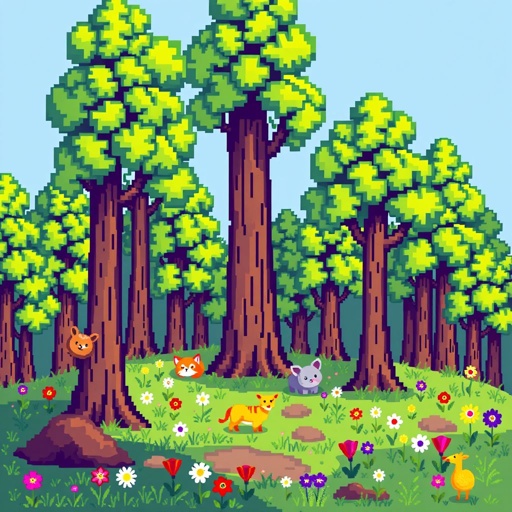
AI
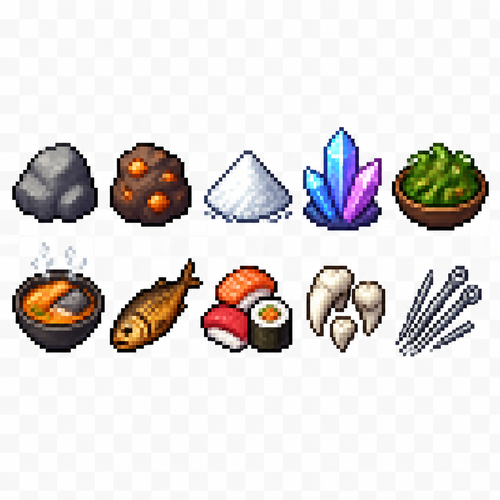
Create a 2D pixel art sprite sheet, 32x32 pixel icons. A clean game asset sheet containing 10 separate item icons, each icon centered in its own square cell with equal spacing. Style: retro pixel art, fantasy survival game inventory icons, sharp pixels, no anti-aliasing, limited color palette, high readability at small size, detailed but simple shapes. Items to create: 1. Stone — rough gray rock with pixel highlights and shadows. 2. Copper ore — brown stone chunk with visible orange copper veins. 3. Salt — small pile of white salt crystals with subtle blue-gray shadows. 4. Crystals — glowing fantasy crystals, transparent blue/purple shards. 5. Seaweed salad — bowl or pile of green seaweed with small food details. 6. Fish soup — bowl of hot seafood soup, orange broth, fish pieces, steam pixels. 7. Smoked fish — cooked fish with darker golden-brown texture. 8. Sushi and rolls — pixel art sushi pieces with rice, seaweed, and colorful toppings. 9. Teeth — collection of white sharp monster teeth or animal fangs. 10. Needles — bundle of thin sharp needles, metallic gray with highlights. Composition: - Sprite sheet layout: 5 columns x 2 rows. - Each icon exactly 32x32 pixels. - Transparent background. - Consistent pixel scale and lighting direction. - No text, no labels, no UI frame. - Each object must be clearly recognizable as an inventory item. - Professional indie game asset quality.

anime

a tree